3h.2 Troubleshooting Detail Audio Problem
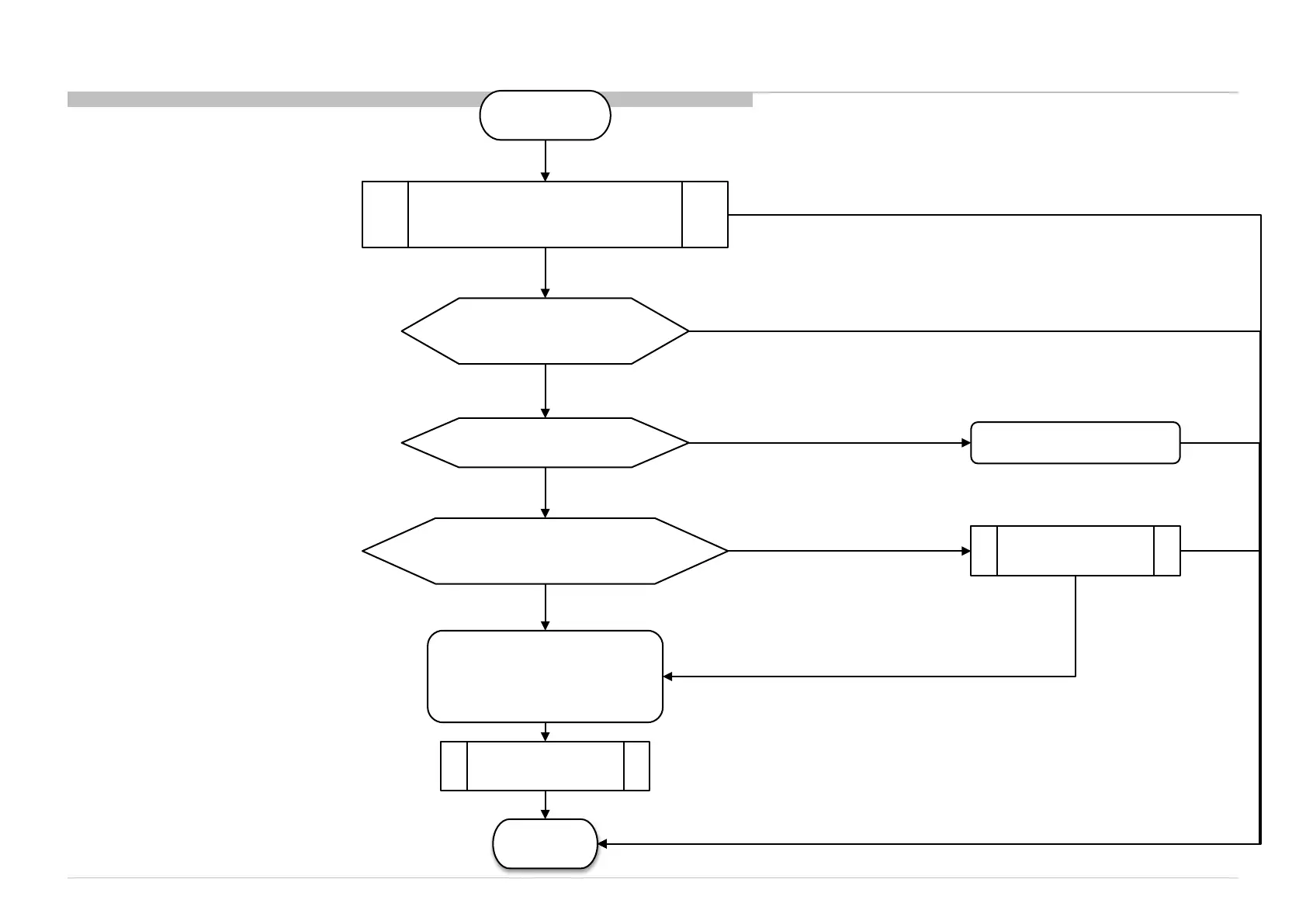
3h.2.3 Headphone (HP) Out No Sound
START
DONE
Change B-
board
HP Amp IC (IC3500) or
Main IC (IC5000)
problem
Use another Headphone Headphone problem
No Sound, Headphone OK
Sound
No Sound
Check AV Setup,
Headphone is selected
No Sound
Do a Factory Setting & set to
desire channel with sound
Headphone Inserted,
Check J3003 Pin1 & Pin5 Voltage
Replace J3003
No Sound, Headphone OK,
J3003 Pin1 & Pin5 is 0V
No Sound, Headphone OK,
J3003 Pin1 & Pin5 is 0V
No Sound, Headphone OK,
J3003 either Pin1 & Pin5 is 3.3V
No Sound
Sound
Sound
Sound
110











 To Next Page