128
SELF CHECK
Back
[Home] Exit
002 MAIN_POWER
003 AUD_ERR
003 AUD_ERR_I2C
004 PANEL_POWER_ERR
005 PANEL_I2C_COMM_ERR
006 BACKLIGHT_ERR
006 LED_I2C
000 BE_I2C
000 TU_DEMOD
000 PMIC_I2C
00033 00006 00033
000
000
000
000
000
000
000
000
000
000
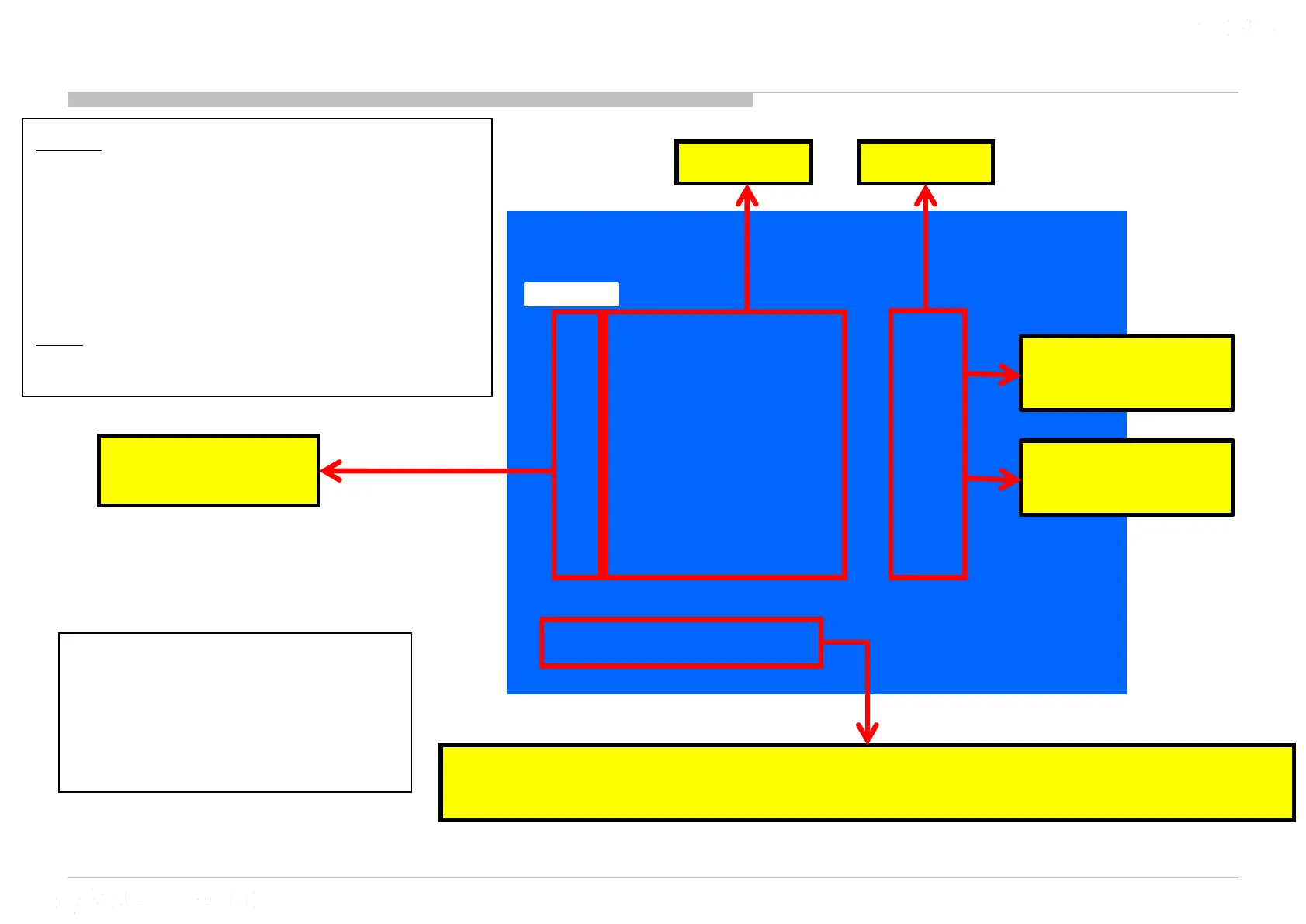
Total Operation Time [h] – Boot Count – Panel Operation Time [h]
(max 65535) (max 65535) (max 65535)
0 indicates no
error detected.
1 indicates an
error detected.
Error count
Error name
*Total Operation Time and Panel Operation Time is recorded every 1h
Numbers of Standby
LED flash
6 Diagnosis Menu Information
*BE_I2C, PMIC_I2C & TU_ DEMOD
do not have standby LED flash.
Entry
1. Go to Standby by pressing the power
button of remote/power key.
2. Push the buttons sequentially:
<Display> <5> <Vol -> <Power>
Exit
- Power off & on
Error history clear
<8> -> <0>
Panel operation time clear
<7> -> <0>












 To Next Page