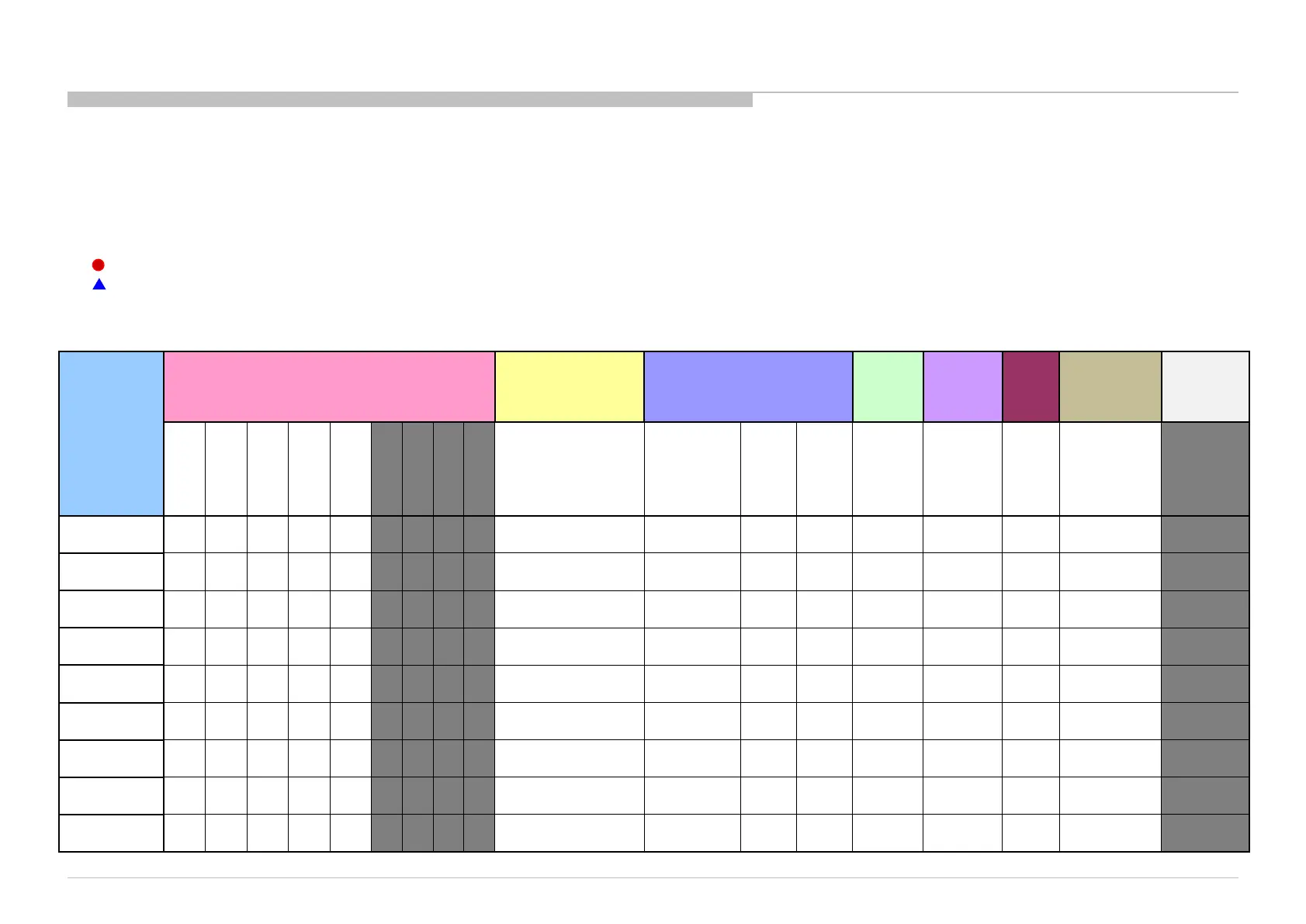
Triage Chart
16
Before you make the service call…
1. Confirm the symptom from the customer.
2. Select that symptom from the chart.
3. Bring all the boards and cables listed for that symptom.
4. Follow the troubleshooting charts in the technical guides to isolate the board.
Color Code
RED DOT: Most likely defective part
BLUE TRIANGLE: Secondary possible defective part
ABC BLACK TEXT: Board that may correct the symptom
GN3UN Chassis
Reference
Symptoms - Shutdown. Power LED
blinking red diagnostics sequences
No
Power
Video
- missing or distorted
Network
Audio
(KM)
(BT)
2 3 4 5 6 7 8 9 10
No White Power
LED & does not
(Dead Set)
colored
lines or
No
video
Inputs
No
video
all
Inputs
No
Remote
Wireless
can't
connect
No
Audio
Smart Core
is still alive)
Remote
connect
B* Board
LK* Board
H* Board
K* Board
Speaker &
Subwoofer
Adaptor
Tcon
LCD Panel











 To Next Page