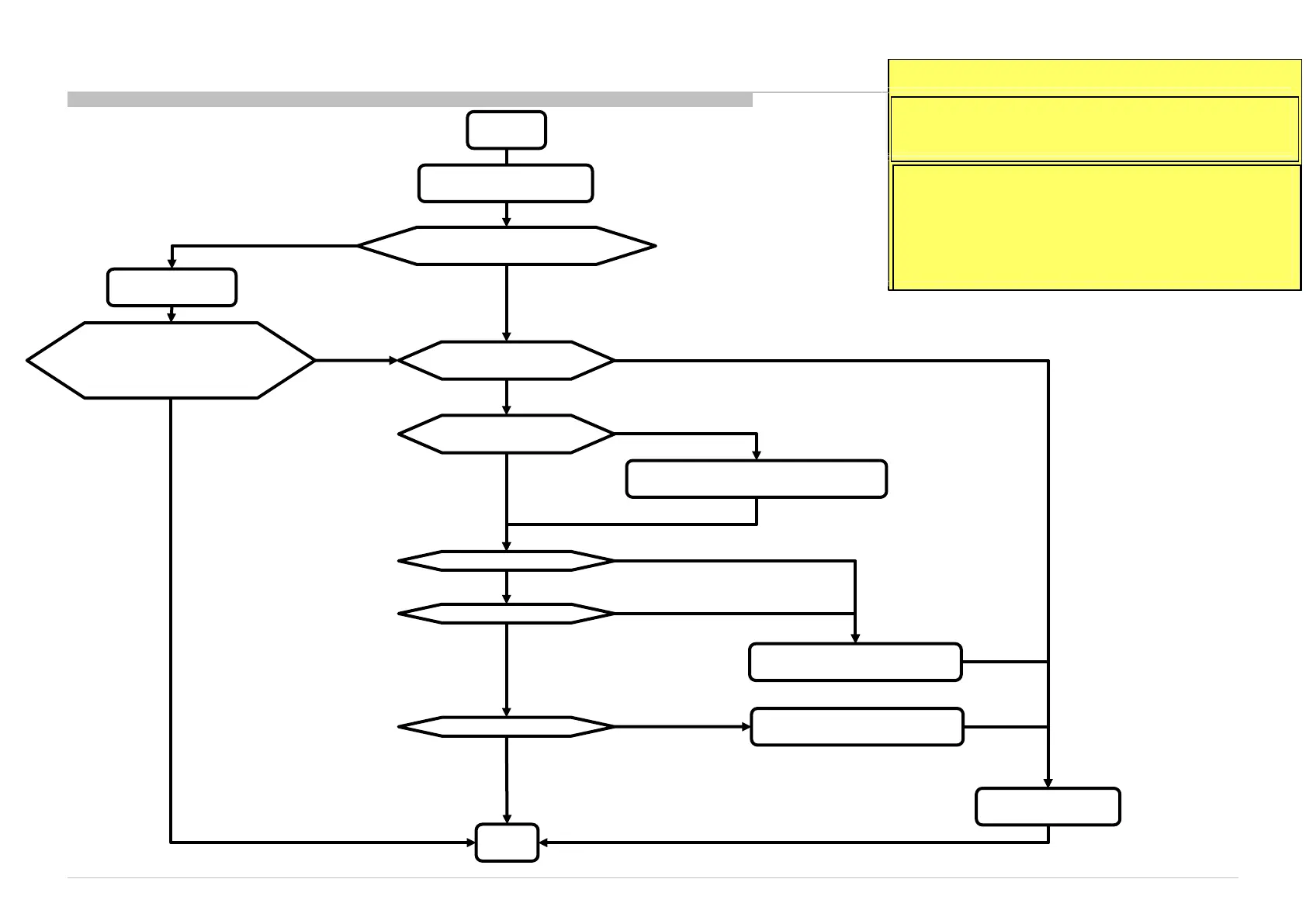
3f.4.1 USB Port 1– No Detection / Cannot Play / No picture / No Sound – Checking Point
3f.4.1 USB Port 1
TV turn ON condition:
Remarks:
*2 Confirm with OSD on bottom panel,
if playback not support.
Please refer to IM for detail supported
USB format.
*1 Confirm USB Auto Start at Set-up
Menu.
START
*1 Confirm USB Auto
Start is ON or OFF
Check 5V at
C7019 (USB port1)
*2 Confirm USB
file format
Change to supported USB format
Change to ON
Change B-Board
Main IC (IC5000) problem
OFF
ON
END
No 5V
USB format OK but No detection
Do a Factory Setting
OK
Have 5V but No detection
NG
Detection OK
OK
Picture OK
Sound OK
OK
OK
Detection OK
and
Picture and Sound OK
NG
OK
Audio IC IC3500) problem
Picture NG
Sound NG
53











 To Next Page