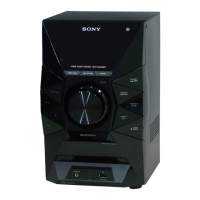
HCD-EC69i/EC79i/EC99i
11
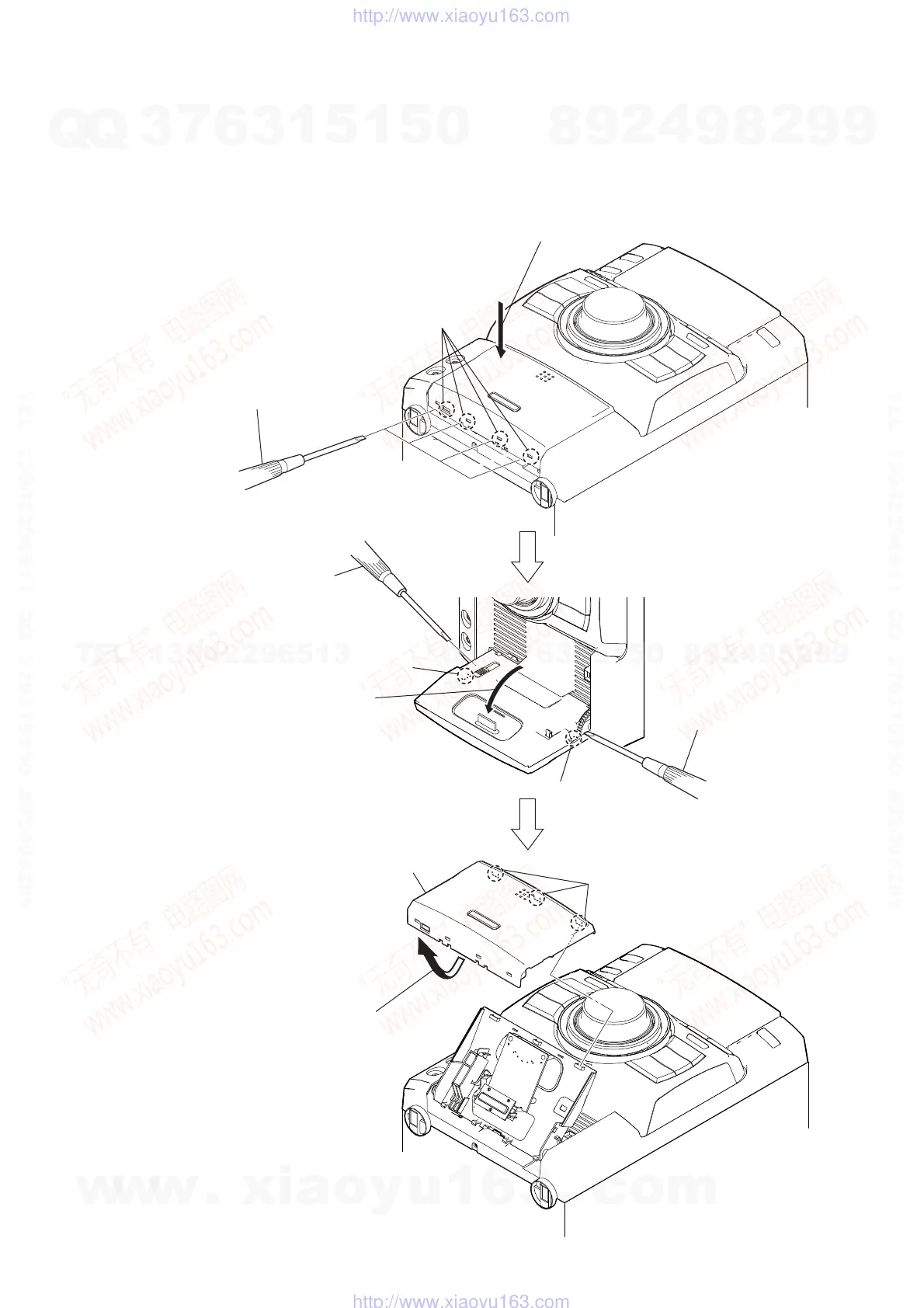
3-4. ORNAMENT PLATE (DOCK) OR iPod ASSY
Note: This illustration sees the front panel from bottom side.
Press the iPod dock in the direction of arrow
"
.
Push the gap by
the flat-head screwdriver.
Push in flat-head screwdriver.
Open the iPod dock.
"
four claws
claw
claw
three claws
ornament plate (dock) or iPod assy
Turn up a ornament plate (dock) or
iPod assy low
part and remove it without
using by the flat-head screwdriver.
Note: Avoid a claw and put a
flat-head screwdriver in.
Note: Avoid a claw and put a
flat-head screwdriver in.
Push in flat-head screwdriver.
Note: Avoid a claw and put a
flat-head screwdriver in.
w
w
w
.
x
i
a
o
y
u
1
6
3
.
c
o
m
Q
Q
3
7
6
3
1
5
1
5
0
9
9
2
8
9
4
2
9
8
T
E
L
1
3
9
4
2
2
9
6
5
1
3
9
9
2
8
9
4
2
9
8
0
5
1
5
1
3
6
7
3
Q
Q
TEL 13942296513 QQ 376315150 892498299
TEL 13942296513 QQ 376315150 892498299
http://www.xiaoyu163.com
http://www.xiaoyu163.com



 To Next Page