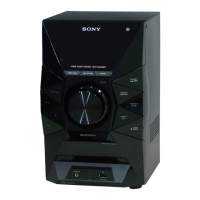
HCD-EC69i/EC79i/EC99i
22
CD FACTORY MODE
Note 1: Do not enter the this mode while any other test mode is in prog-
ress.
Note 2: Do not enter any other test mode while the this mode is in prog-
ress.
Procedure:
1. Press the [
?/1
] button to turn the power on.
2. Press the [FUNCTION] button to select CD function
3. Press three buttons of [u], [iPod] and [
?/1
] simultaneously.
4. It enters the CD factory mode and the message “FACTORY”
is displayed. When the [CD] button is pressed four times, the
following message (initial display) is displayed.
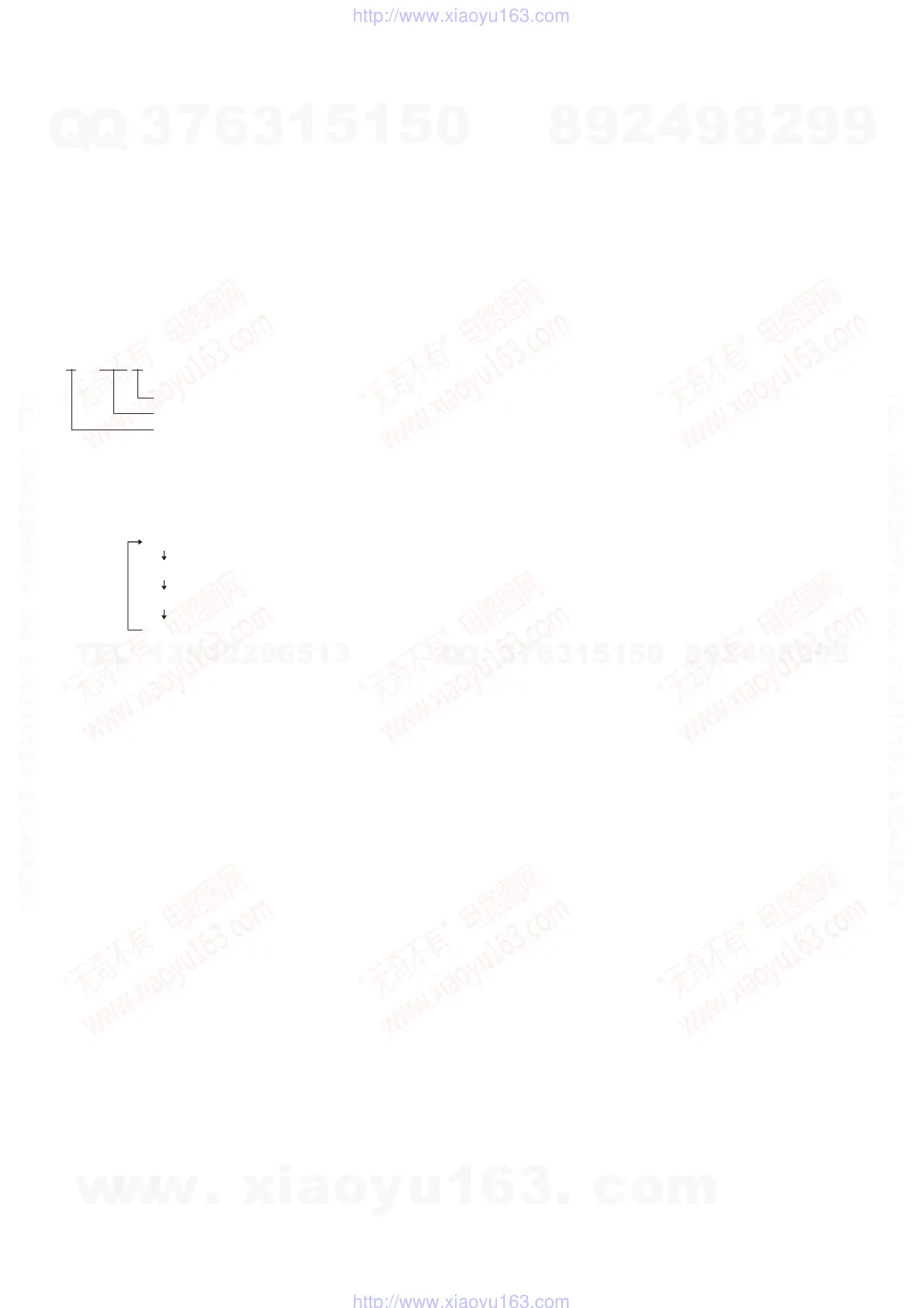
–X1ON
S character mode setting
Tracking servo setting
RF gain setting
Key Operation:
[CD]:
The display changes in the following order when-
ever the button is pressed.
(Initial display)
fcsAG ** (**: Focus AGC value)
trkAG ** (**: Track AGC value)
RF-AG ** (**: RF AGC value)
[DSGX]:
RF gain setting changes whenever the button is
pressed.
“–”: No gain fi xation.
“AL”: Fix to the gain for AL disc.
“RW”: Fix to the gain for RW disc.
[iPod]:
Tracking servo setting changes whenever the but-
ton is pressed.
“ON”: Tracking servo ON.
“OFF”: Tracking servo OFF.
[FUNCTION]:
S character mode setting changes whenever the but-
ton is pressed.
“ ”: S character mode OFF.
“S”: S character mode ON.
5. To release from this mode, press three buttons of [u], [iPod]
and [
?/1
] simultaneously.
w
w
w
.
x
i
a
o
y
u
1
6
3
.
c
o
m
Q
Q
3
7
6
3
1
5
1
5
0
9
9
2
8
9
4
2
9
8
T
E
L
1
3
9
4
2
2
9
6
5
1
3
9
9
2
8
9
4
2
9
8
0
5
1
5
1
3
6
7
3
Q
Q
TEL 13942296513 QQ 376315150 892498299
TEL 13942296513 QQ 376315150 892498299
http://www.xiaoyu163.com
http://www.xiaoyu163.com



 To Next Page