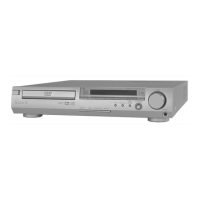
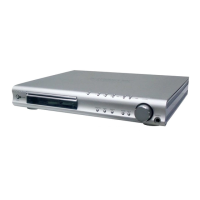
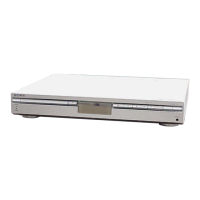
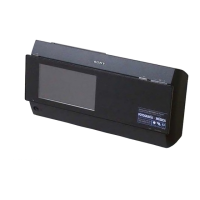
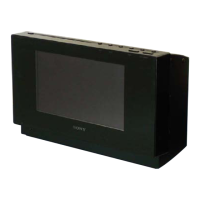
HCD-SHAKE10/SHAKE30/HCDSHAKEX10/HCDSHAKEX30/HCDSHAKEX70
Ver. Date Description of Revision
Delete “R-ch is omitted due to same as L-ch.” in page 33.
Delete signal path for IC902 pin 13 in page 34.
1.3 2019.10 Add D1027, D1028, Q1031, R1283 and R1284 in 4CH DAMP board.
Change of CLASS 1 LASER marking statement for HCDSHAKEX10, HCDSHAKEX30 and
HCDSHAKEX70 models in page 5.
Change of FL, IR, LED DRIVER, MIC, SKY BLUE and TOP PANEL board (Suffi x 12).
Change of License and Trademark Notice in page 2.
Change P/N and description of IC010 in IR board.
Change P/N and description of J2203 and J2204 in MIC board.
Change P/N of Ref. No. 152 in page 56 and 64.
Change P/N of Ref. No. 201 in page 57 and 64.
Change P/N of Ref. No. 305, 306, 307 and 308 in page 59 and 64.
Change P/N of Ref. No. 355 and 356 in page 60 and 64.
Delete of CMS-S76RFS7G1 in Optical Pick-up Block Name.
How to search for a contact point of signal lines or the like in DIAGRAMS SECTION
If a contact point of a BLOCK DIAGRAM, PRINTED WIRING BOARD or SCHEMATIC DIAGRAM is shown in a diff erent page, use
the PDF fi le search function to fi nd one.
e.g.) If a contact point is shown as
, follow the procedure below.
Procedure:
1. Press the [F] key while pressing the [Ctrl] key.
2. Input “>001Z” in the search box and press the [Enter] key.
3. The relevant part (page), where the contact point is shown, appears.
Note: If you still see the original page, press the [Enter] key again.
SYSSET
2019/10/2523:34:43(GMT+09:00)


 To Previous Page