Using the Remote Control and Basic Functions
15
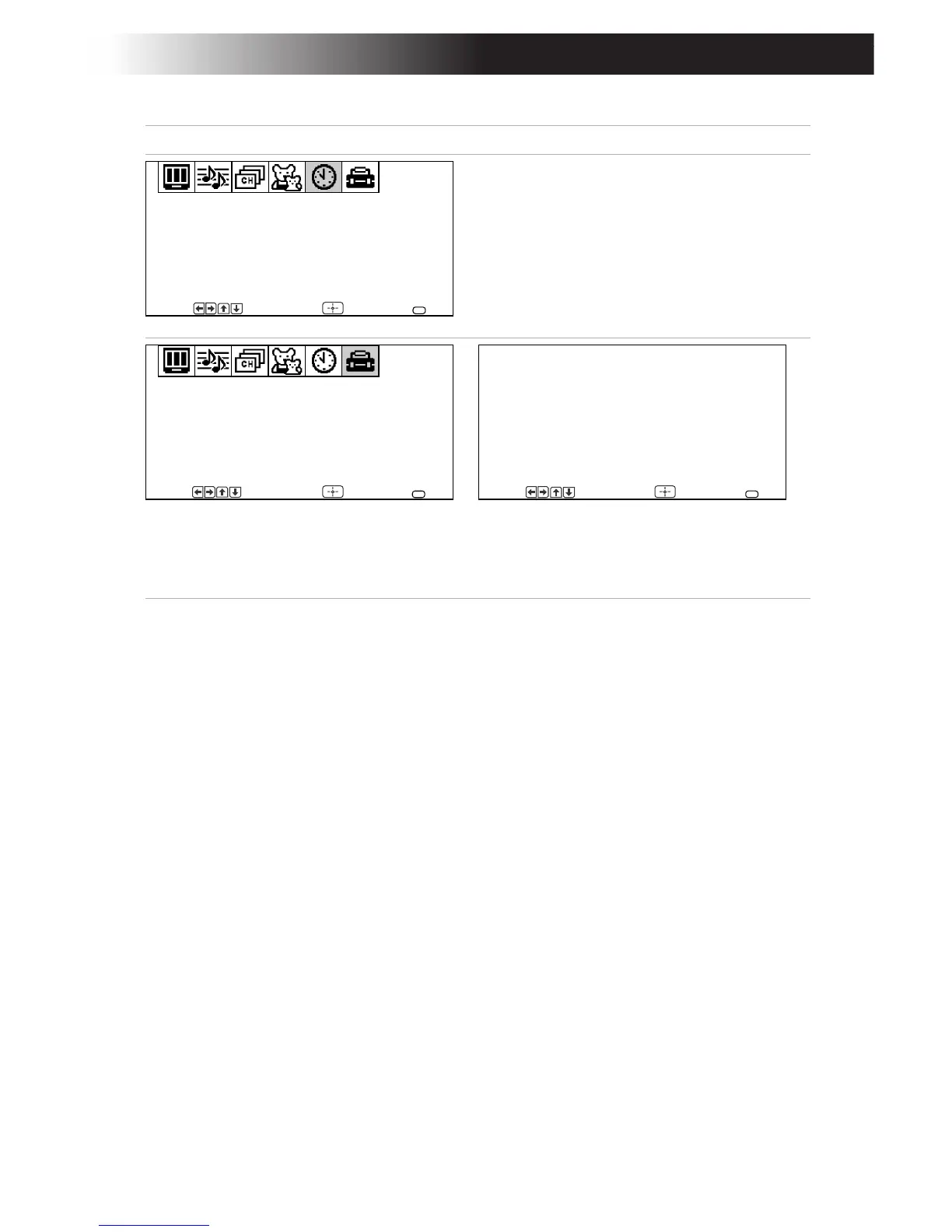
Menu Allows you to
Set the clock on your TV and program
scheduled viewing using Timer 1 and
Timer 2.
Program your channels, label video
inputs, select menu languages, or run
a demo of the menus.
The Options menu offers other setup
options.
Timer 1: Set
Timer 2: Set
Current Time
Daylight Saving:
Timer
Move Select End
NO
MENU
--
:
--
AM
---
Caption Vision: CC1
Demo
Video Label
Language: English
Options
Setup
Move Select End
MENU
Tilt Correction: 0
Cable: ON
Auto Program
Options
Move Select End
MENU









 To Next Page