Using the Menus
19
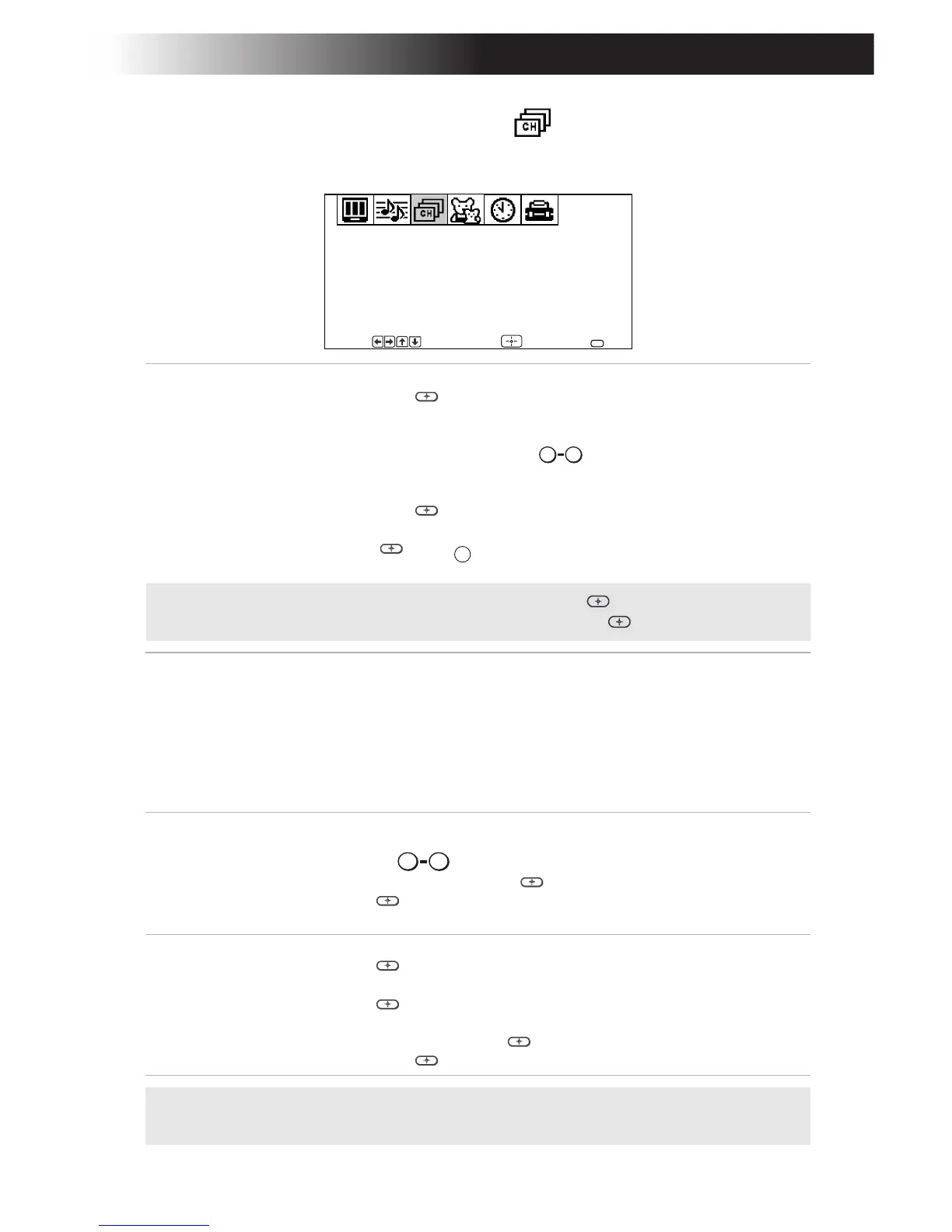
Using the Channel Setup Menu
To access the Channel Setup menu, see “To access a menu” on page 17.
Favorite
Channel
Quick access
to favorite
channels
With the Favorite Channel menu open:
1 Press g or to select.
2 Use the F or buttons to select Auto or Manual
(selecting Auto will display in gray the last five
channels accessed by the buttons).
3 When in Manual, press G then to select the position
(1-5) where you want to set a favorite channel. Then
press g or .
4 Using the F or buttons, select the desired channel.
5 Press then
, the TV will change to the channel
entered.
Channel Fix 2-6: Select when you want to control all channel selection
through a cable box or VCR. Select the appropriate channel
(usually 3 or 4) and use the cable box’s or VCR’s remote
control for channel selection.
Video: Select from available video inputs when you have
connected video equipment (e.g. satellite receiver) and you
want your TV fixed to it.
OFF: Channel Fix is not set.
Channel
Skip/Add
Use this feature after you run Auto Program to skip
unwanted channels or add new ones.
1 Use the buttons or the [CH+/-] buttons to select
the channel, then press .
2 Press to Skip or Add (only one option will be
available).
Channel
Label
Label up to 40
channels with
their call letters
With the Channel Label window open:
1 Press , then press F or until you reach the desired
channel number.
2 Press to activate the channel.
3 Press F or to display the first call letter or number of
the caption and press to select it. When finished,
press g or to activate.
✍ Favorite Channel, Channel Skip/Add, and Channel Label cannot be used
when Channel Fix is set.
Favorite Channel
Channel Fix: OFF
Channel Skip/Add
Channel Label
Channel Setup
Move Select End
MENU
F
0 9
F
F
MENU
✍ To use Favorite Channel: Exit all menus and press . Press or F to move
the cursor to the desired channel number and press .
F
0 9
F
F








 To Next Page