18
Operating Instructions
Using the Audio Menu (KV-20FS12 only)
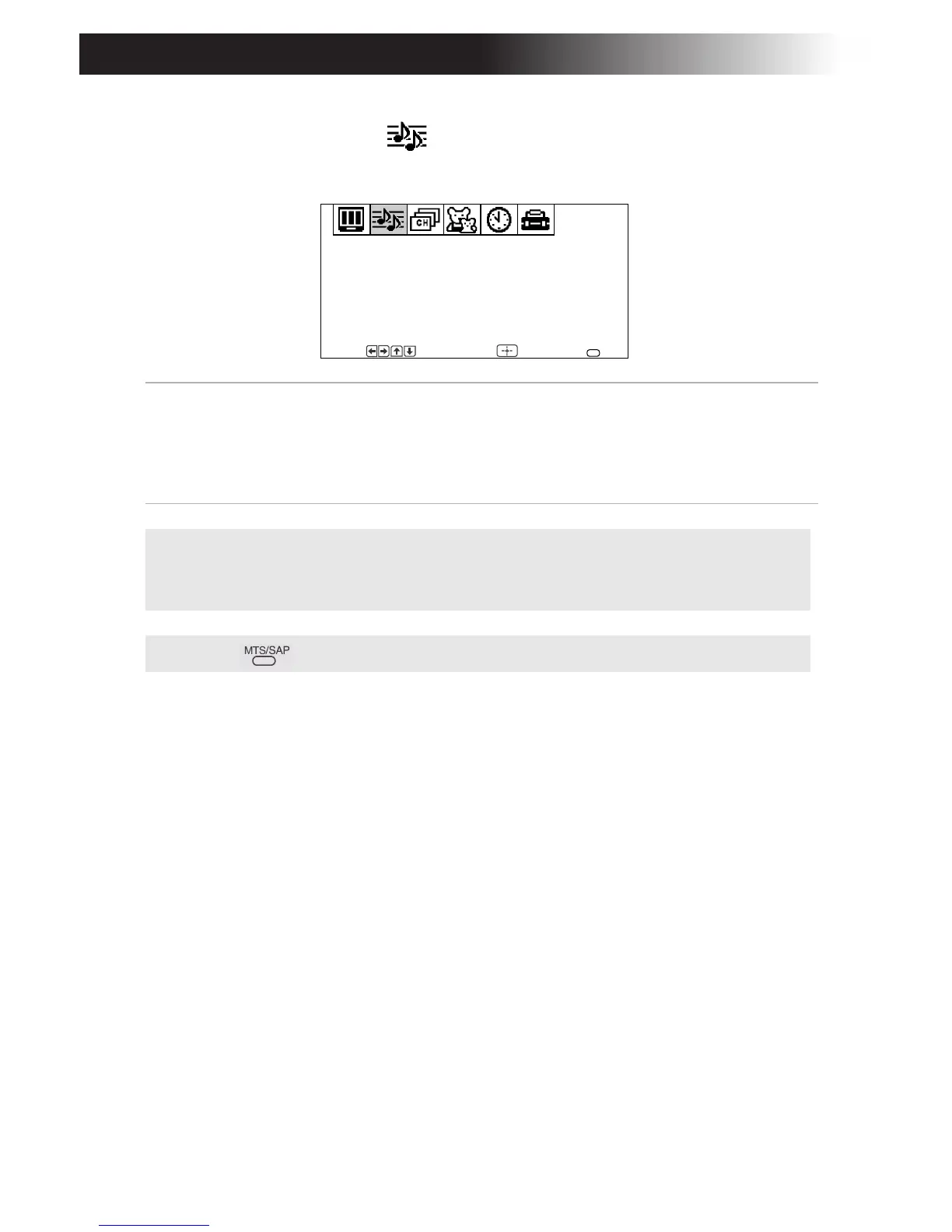
To access the Audio menu, see “To access a menu” on page 17.
MTS
Multi-Channel
Sound
Press F or to select one of the following options:
Stereo: Select when viewing a broadcast in stereo.
Mono: Select to reduce noise in areas of poor reception.
Auto-SAP: Select to have the TV automatically switch to a
Second Audio Program (SAP) when a signal is received.
✍ If your TV is set to Auto-SAP, some programs may be muted or distorted. If
your TV does not output sound, change your Audio settings to Stereo or
Mono.
✍ Press for direct MTS settings (Stereo, Mono, Auto-SAP).
MTS:
Stereo
Audio
Move Select End
MENU
F










 To Next Page