Using the Menus
27
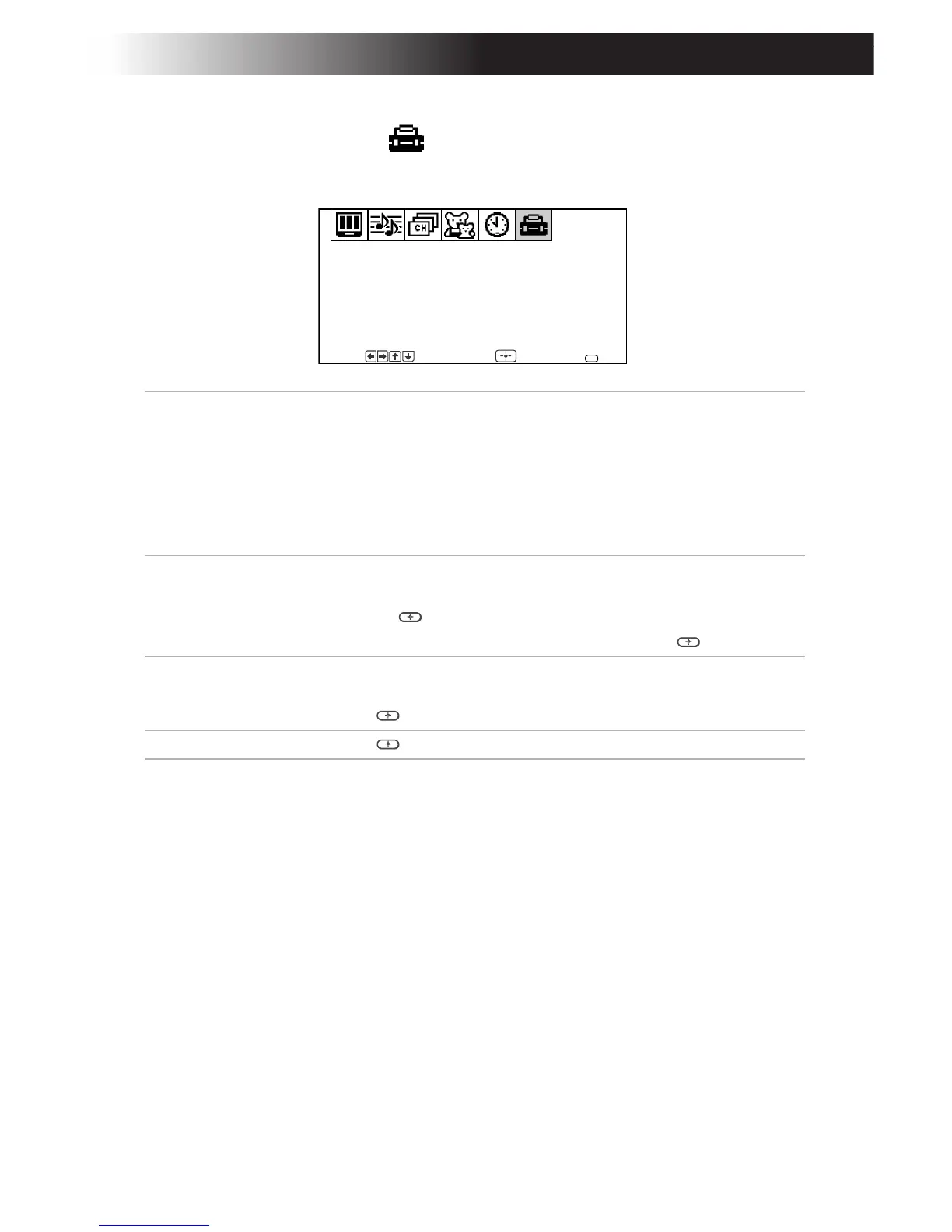
Using the Setup Menu
To access the Setup menu, see “To access a menu” on page 17.
Caption
Vision
Closed-
Captioning
Press F or to select one of the following options:
CC1, 2, 3, 4: Displays printed dialogue and sound effects of a
program.
TEXT1, 2, 3, 4: Displays network/station information.
XDS (Extended Data Services): Displays information about
the network and current program, if available.
OFF: Caption Vision is not activated.
Video Label
Label connected
equipment
With the Video Label window open:
1 Press F or to access the input you want to label and
press g or .
2 Press F or to choose a label and press g or .
Language Display all menus in your language of choice.
Use the F or buttons to select the desired language and
press g or .
Demo Press g or to run a demonstration of the on-screen menus.
Caption Vision: CC1
Demo
Video Label
Language: English
Options
Setup
Move Select End
MENU
F
F
F
F








 To Next Page