28
MHC-V42D
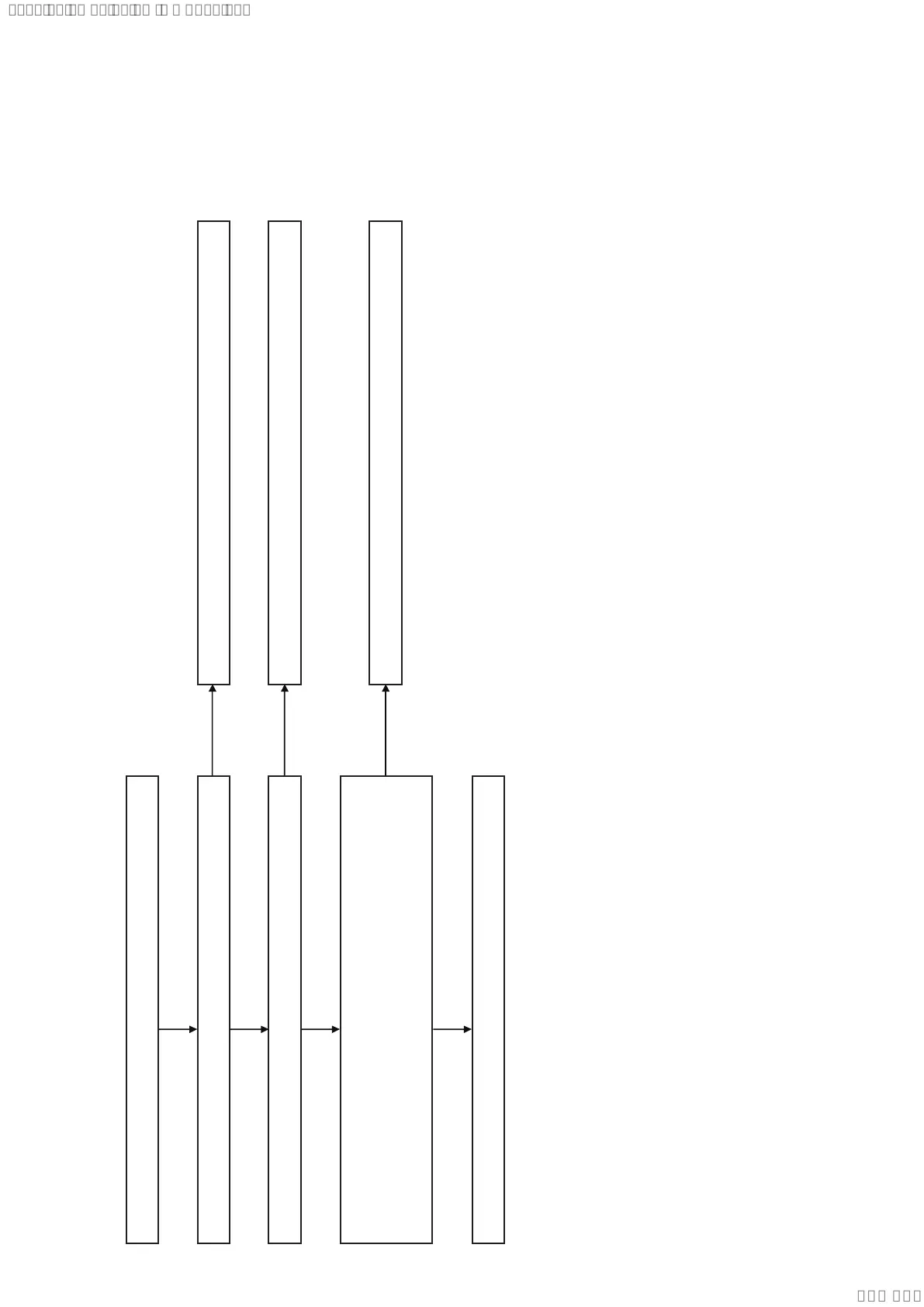
MOTHERBOARD Board Mount Amplier Diagnosis Flow (2/3)
2. The sound is not outputted
Check that the signal is input to IC2001 pin 24 and 25.
Check that the PWM signal is outputted from IC2001 pin 39, 41, 48 and 49.
Check that the signal is outputted from IC2002
The sound is not outputted.
MOTHERBOARD board damaged. Exchange the MOTHERBOARD mounted pc board.
MOTHERBOARD board damaged. Exchange the MOTHERBOARD mounted pc board.
Exchange IC2001.
Exchange IC2002.
pin 39 and 40 (Subwoofer -)
pin 35 (Subwoofer +)
pin 27 and 28 (Right Channel Speaker)
pin 32 (Left Channel Speaker)
Yes
Yes
Yes
Yes
No
No
No
SYSSET
2019/03/0500:47:46(GMT+09:00)


 To Next Page
 Loading...













