43
GB
Table of
contents
Sample photo
search
Menu search
Index
• If you select [Picture Effect], with [RAW] or [RAW & JPEG] selected, [Quality] is temporarily set to
[Fine].
• When [Partial Color (Red)], [Partial Color (Green)], [Partial Color (Blue)], or [Partial Color (Yellow)] is
selected, images may not retain the selected color, depending on the subject.
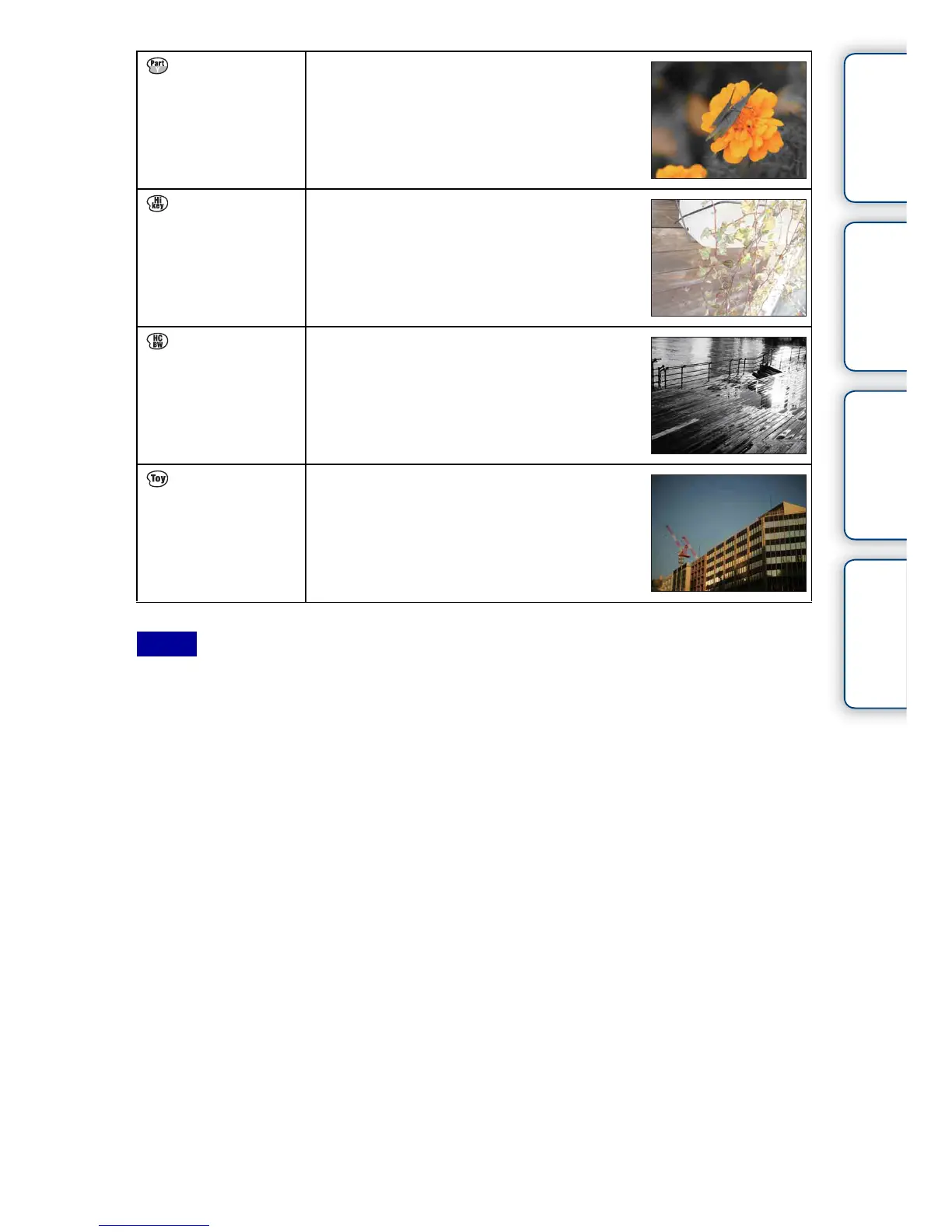
Partial Color
(Yellow)
Creates an image which retains the color
yellow, but converts others to black and
white.
High-key Creates an image with the indicated
atmosphere: bright, transparent, ethereal,
tender, soft.
High Contrast
Monochrome
Creates an image with high contrast in black
and white.
Toy Camera Creates the look of a Toy Camera photo with
shaded corners and pronounced colors.
Notes



 To Next Page