GB
27
Mastering the basic operation
Deleting images
You can delete the image that is currently displayed.
2
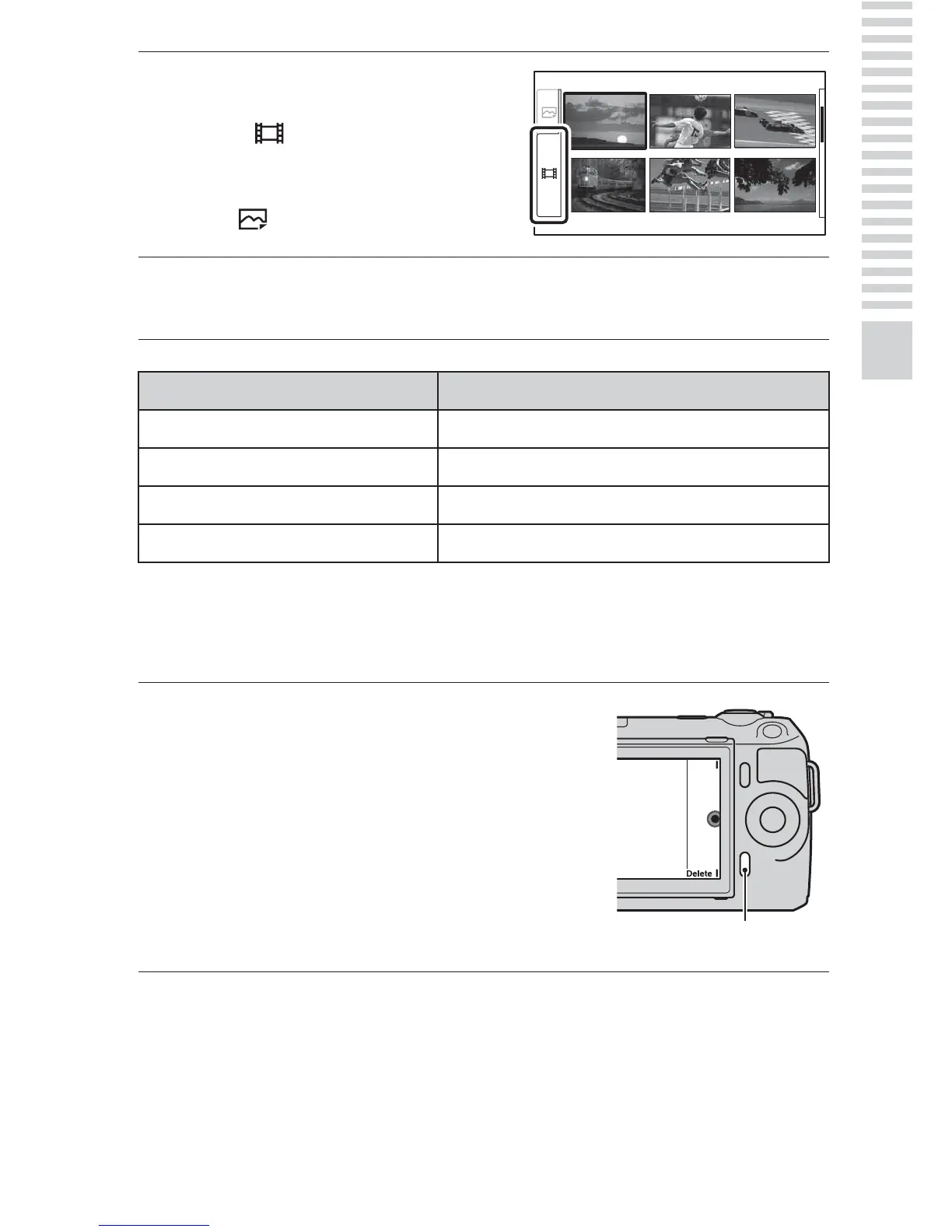
Press the left side of the
control wheel repeatedly to
select (movie), and press
the center.
To return to still image playback,
select (still image) (page 47).
3
Turn the control wheel to select the desired movie, and
press the center.
During movie playback Control wheel operation
To pause/resume Press the center.
To fast-forward Press the right, or turn it clockwise.
To fast-rewind Press the left, or turn it counterclockwise.
To adjust sound volume Press the bottom t top/bottom.
1
Display the desired image,
and press [Delete].
[Delete]



 To Next Page