GB
70
Troubleshooting
If you experience trouble with the camera, try the following solutions.
The battery pack cannot be installed.
• When you insert the battery pack, use the tip of the battery pack to push the
lock lever (page 15).
• You can use an NP-FW50 battery pack only. Make sure that the battery is
NP-FW50.
The remaining battery indicator is incorrect, or sufficient
remaining battery indicator is displayed but the power runs out
too quickly.
• This phenomenon occurs when you use the camera in an extremely hot or
cold location.
• The battery pack is discharged. Install a charged battery pack (page 14).
• The battery pack is dead. Replace it with a new one.
Cannot turn on the camera.
• Install the battery pack correctly (page 15).
• The battery pack is discharged. Install a charged battery pack (page 14).
• The battery pack is dead. Replace it with a new one.
The power turns off suddenly.
• When the camera or battery pack is too warm, the camera displays a warning
message and turns off automatically to protect the camera.
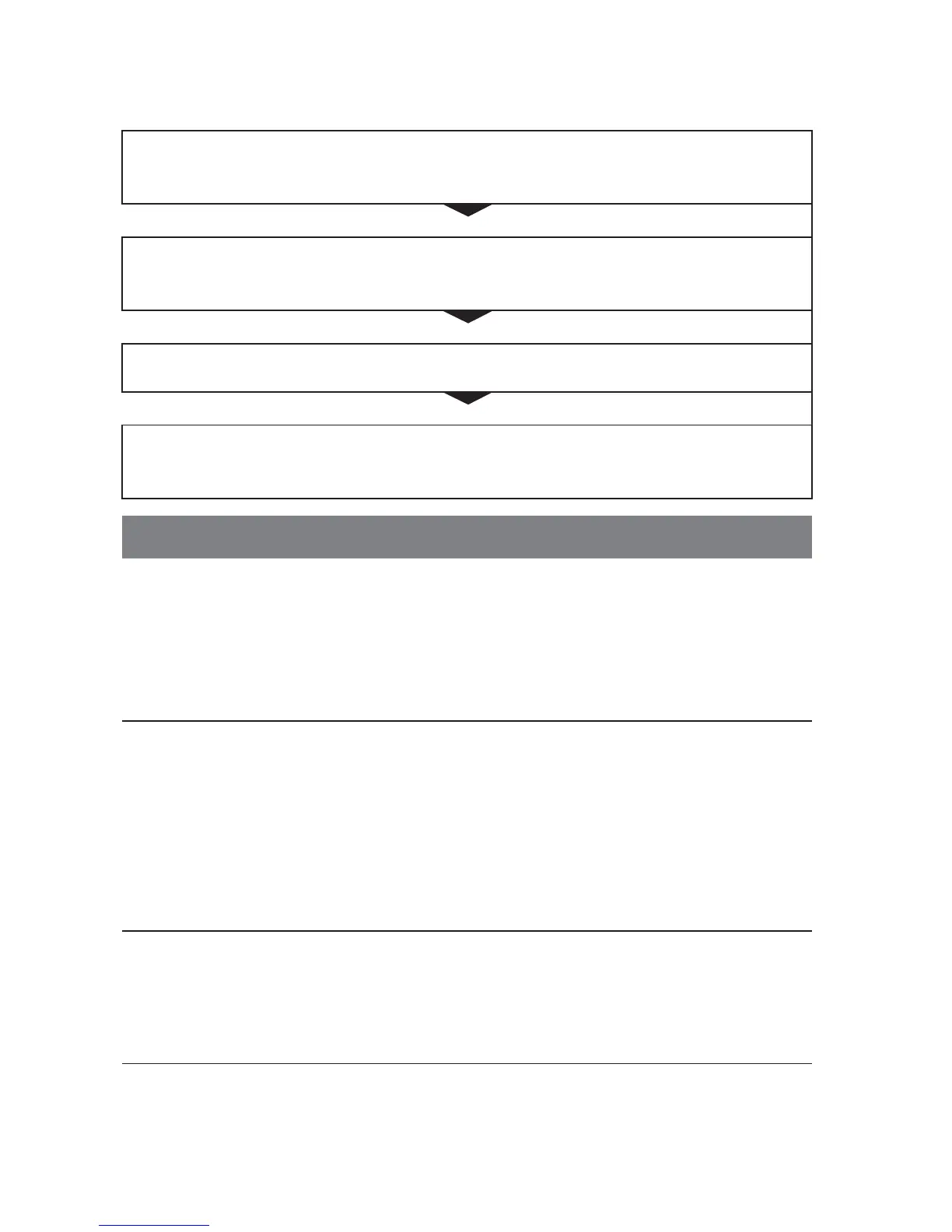
1
Check the items on pages 70 to 73. Also refer to
“α Handbook” (PDF).
2
Remove the battery pack, wait for about one minute, re-
insert the battery pack, then turn on the power.
3
Reset the settings (page 55).
4
Consult your Sony dealer or local authorized Sony service
facility.
Battery pack and power



 To Next Page