110
GB
Table of
contents
Sample photo
search
Menu search
Index
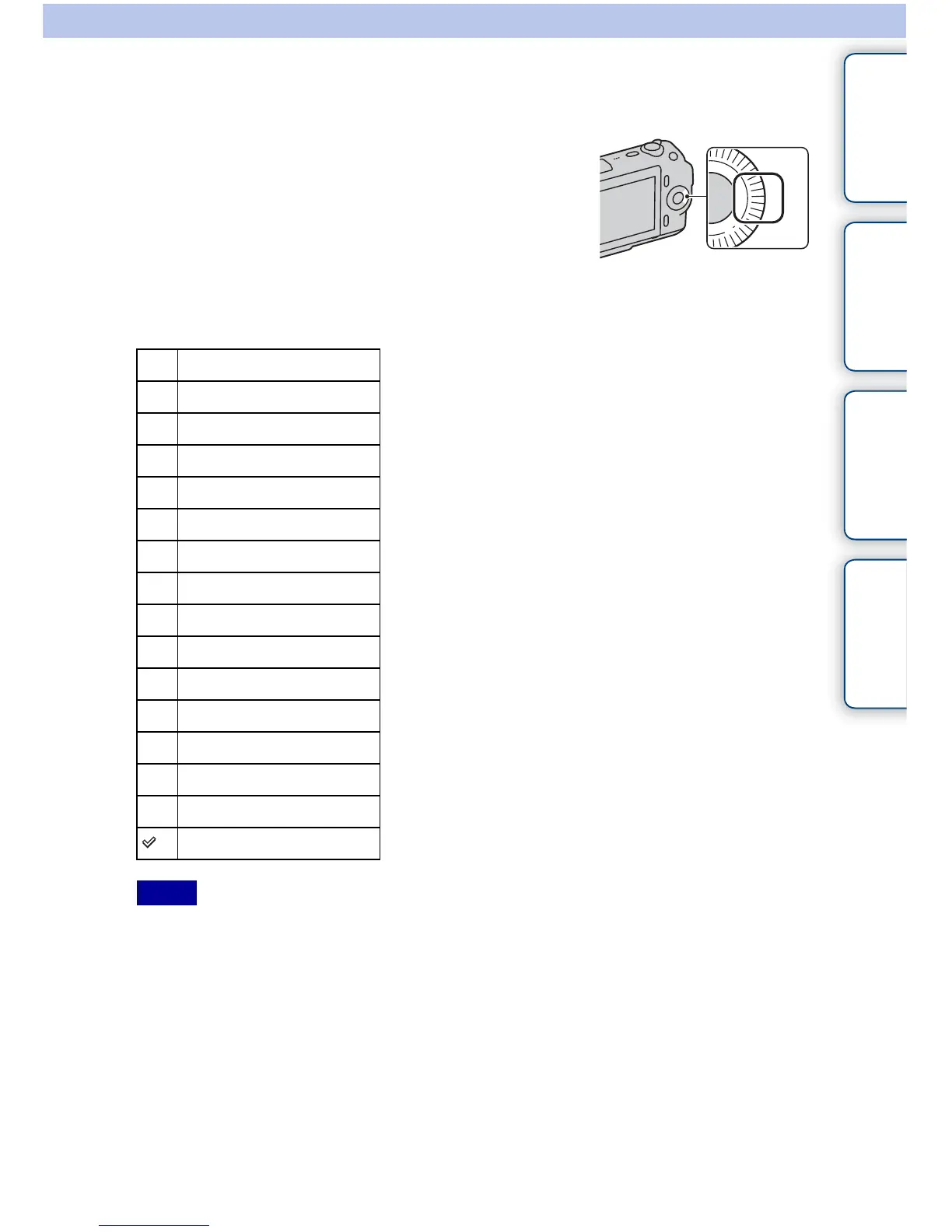
Right Key Setting
1 [Menu] t [Setup] t [Right Key Setting] t desired setting.
• A function that has been assigned on the right key on the control wheel is called only when [Shoot Mode]
is set to [Program Auto], [Aperture Priority], [Shutter Priority], or [Manual Exposure].
• [MF Assist] is available only when [AF/MF Select] is set to [DMF] or [Manualfocus]. When [DMF] is
selected, operate the camera with the shutter button pressed halfway down after adjusting the focus with
autofocus.
Assigns a function to the right key on the control
wheel.
Shoot Mode
Shoot. Tips
Drive Mode
AF/MF Select
Autofocus Mode
Autofocus Area
Precision Dig. Zoom
ISO
White Balance
Metering Mode
DRO/Auto HDR
Creative Style
Flash Mode
Flash Compensation
MF Assist
Not set
Notes



 To Next Page