126
GB
Table of
contents
Sample photo
search
Menu search
Index
USB Connection
Selects the method used for a USB connection.
1 [Menu] t [Setup] t [USB Connection] t desired setting.
• You cannot import movies and RAW images with [PTP].
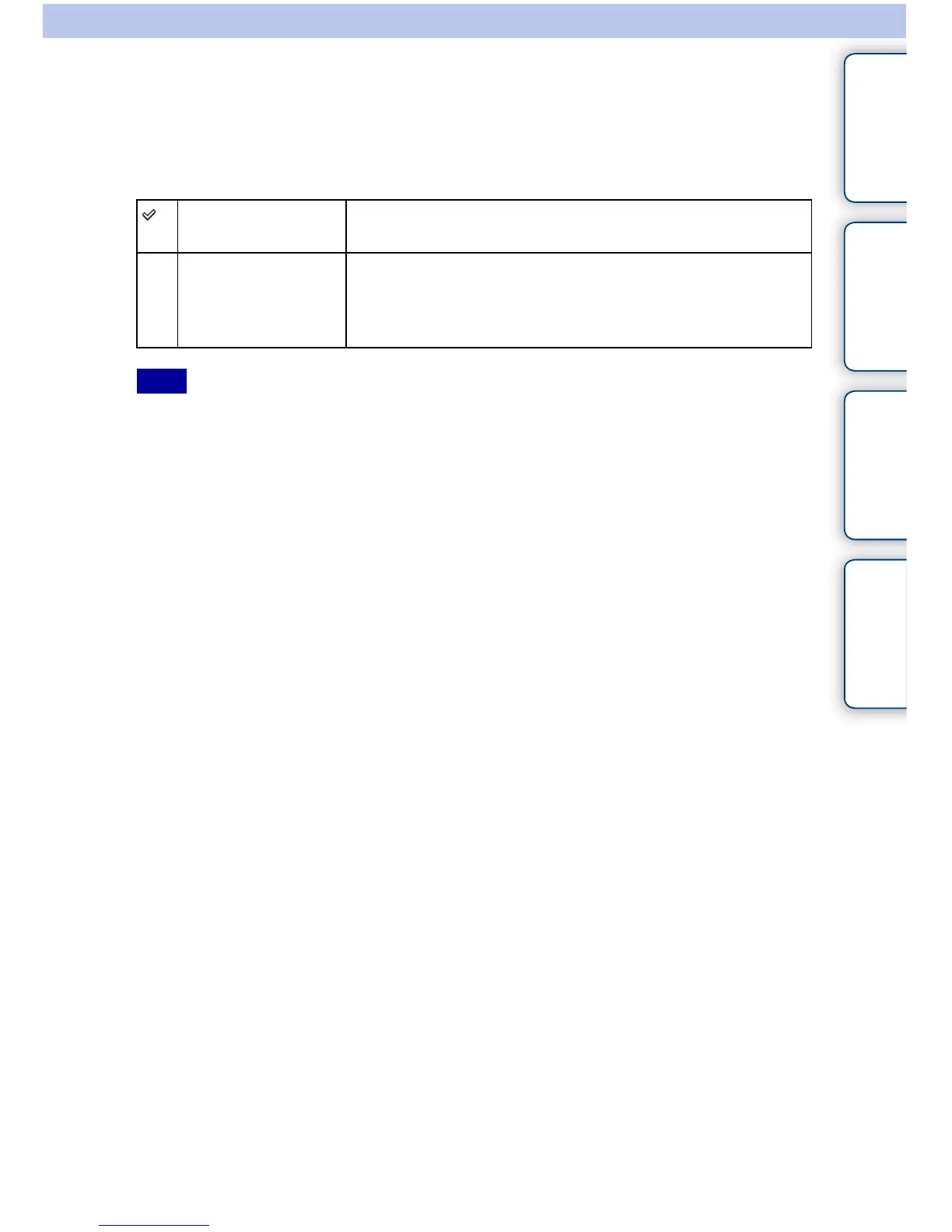
Mass Storage Establishes a Mass Storage connection between the camera, a
computer, and other USB devices. Standard mode.
PTP When you connect the camera to a computer, the AutoPlay
Wizard appears, and the still images in the recording folder on
the camera are imported to the computer (with Windows 7/Vista/
XP, Mac OS X).
Note



 To Next Page