100
GB
Table of
contents
Sample photo
search
Menu search
Index
Peaking Color
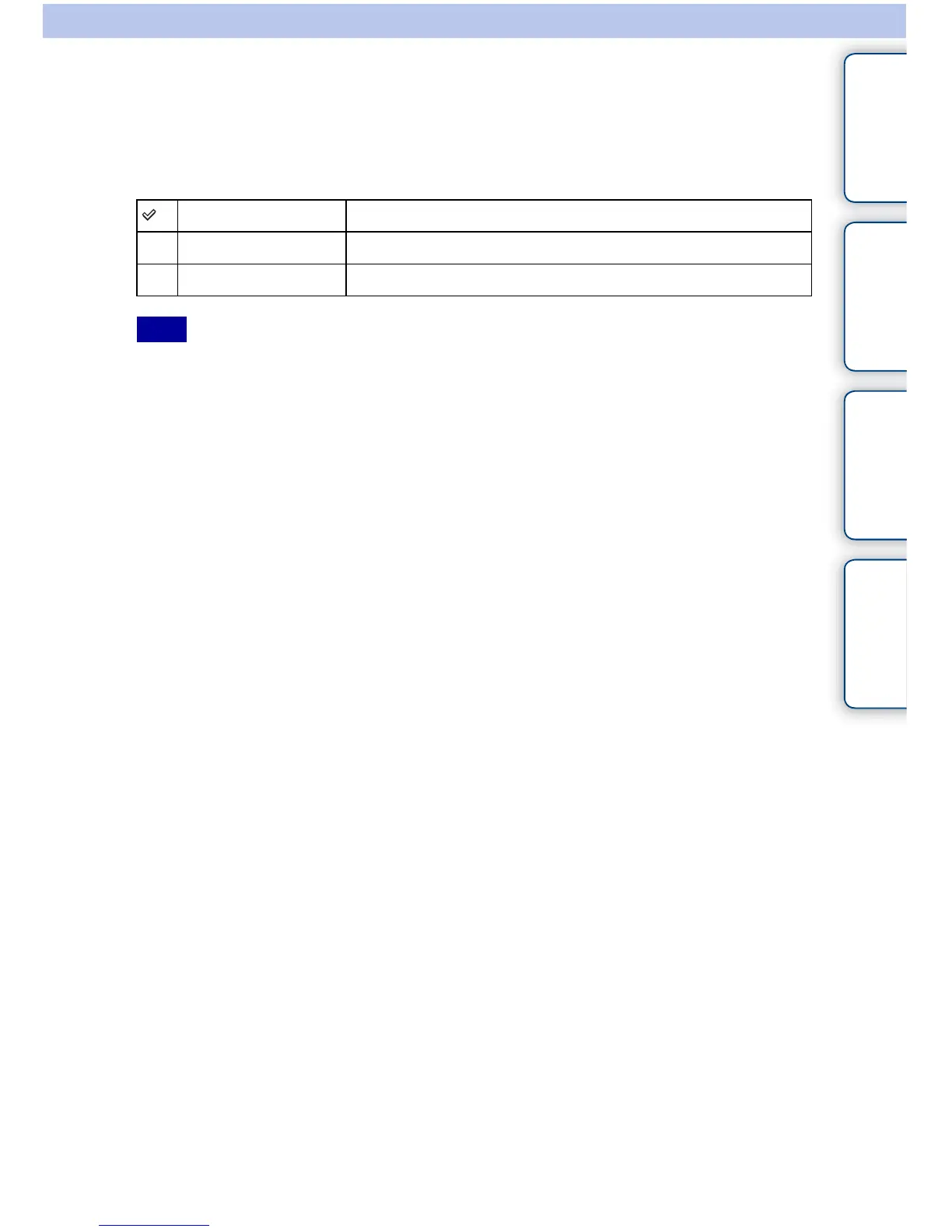
Sets the color used for the peaking function in manual focus.
1 [Menu] t [Setup] t [Peaking Color] t desired setting.
• This item cannot be set when [Peaking Level] is set to [Off].
White Enhances outlines in white.
Red Enhances outlines in red.
Yellow Enhances outlines in yellow.
Note



 To Next Page