GB
44
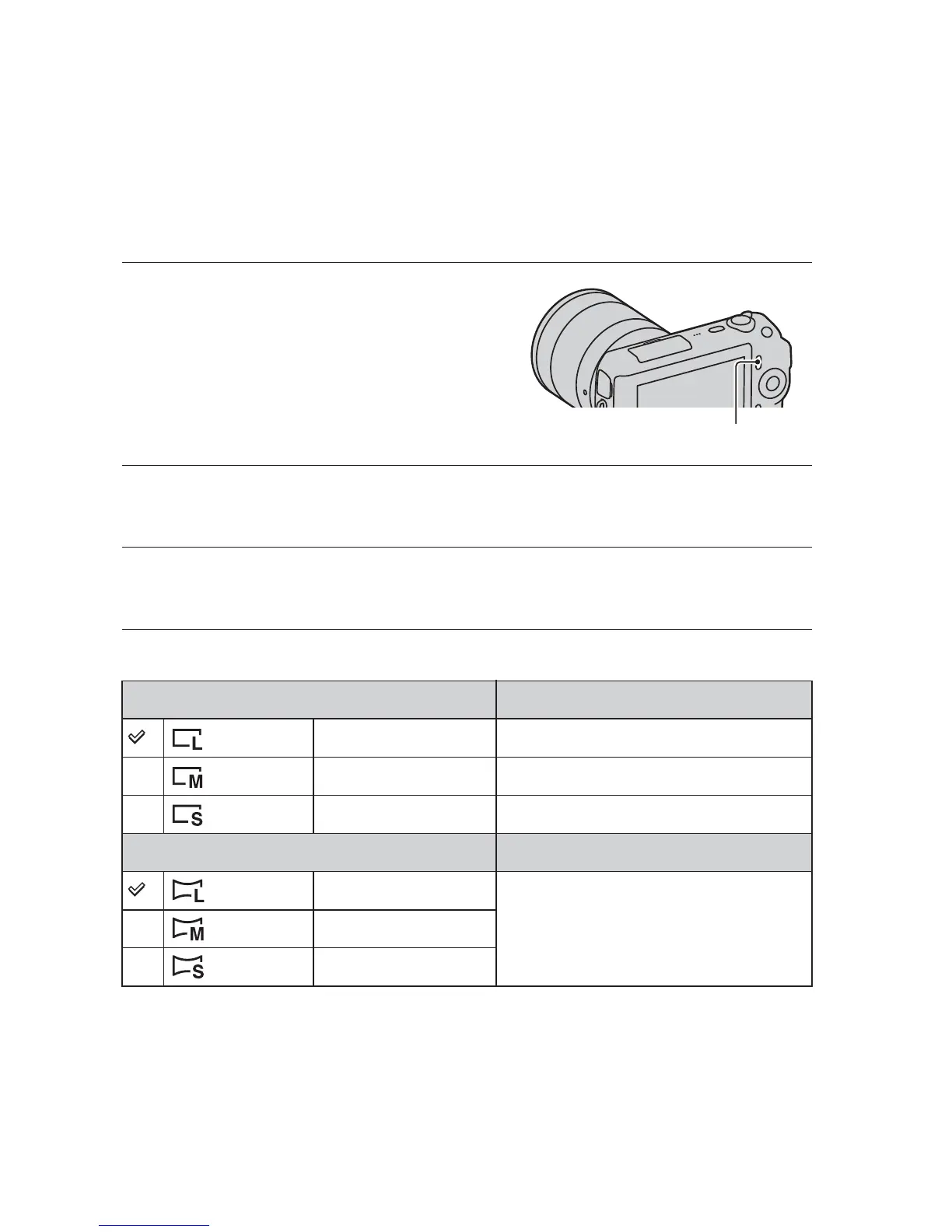
Selecting the image size
The image size determines the size of the image file that is recorded when you
take an image.
The larger the image size, the more detail will be reproduced when the image
is printed on large format paper. The smaller the image size, the more images
can be recorded.
In the case of movies, the larger the image size, the higher the image quality.
Still
1
Press [Menu].
[Menu]
2
Use the control wheel to select [Image Size] t [Image
Size], and press the center.
3
Turn the control wheel to select the desired mode, and
press the center.
When [Aspect Ratio] is 3:2 Usage guidelines
(L: 16M) 4912 × 3264 pixels For prints up to A3+ size
(M: 8.4M) 3568 × 2368 pixels For prints up to A4 size
(S: 4.0M) 2448 × 1624 pixels For prints L/2L size
When [Aspect Ratio] is 16:9 Usage guidelines
(L: 14M) 4912 × 2760 pixels For viewing on a high-definition TV
(M: 7.1M) 3568 × 2000 pixels
(S: 3.4M) 2448 × 1376 pixels



 To Next Page