GB
46
Using the playback functions
Enlarging the playback image (Enlarge
Image)
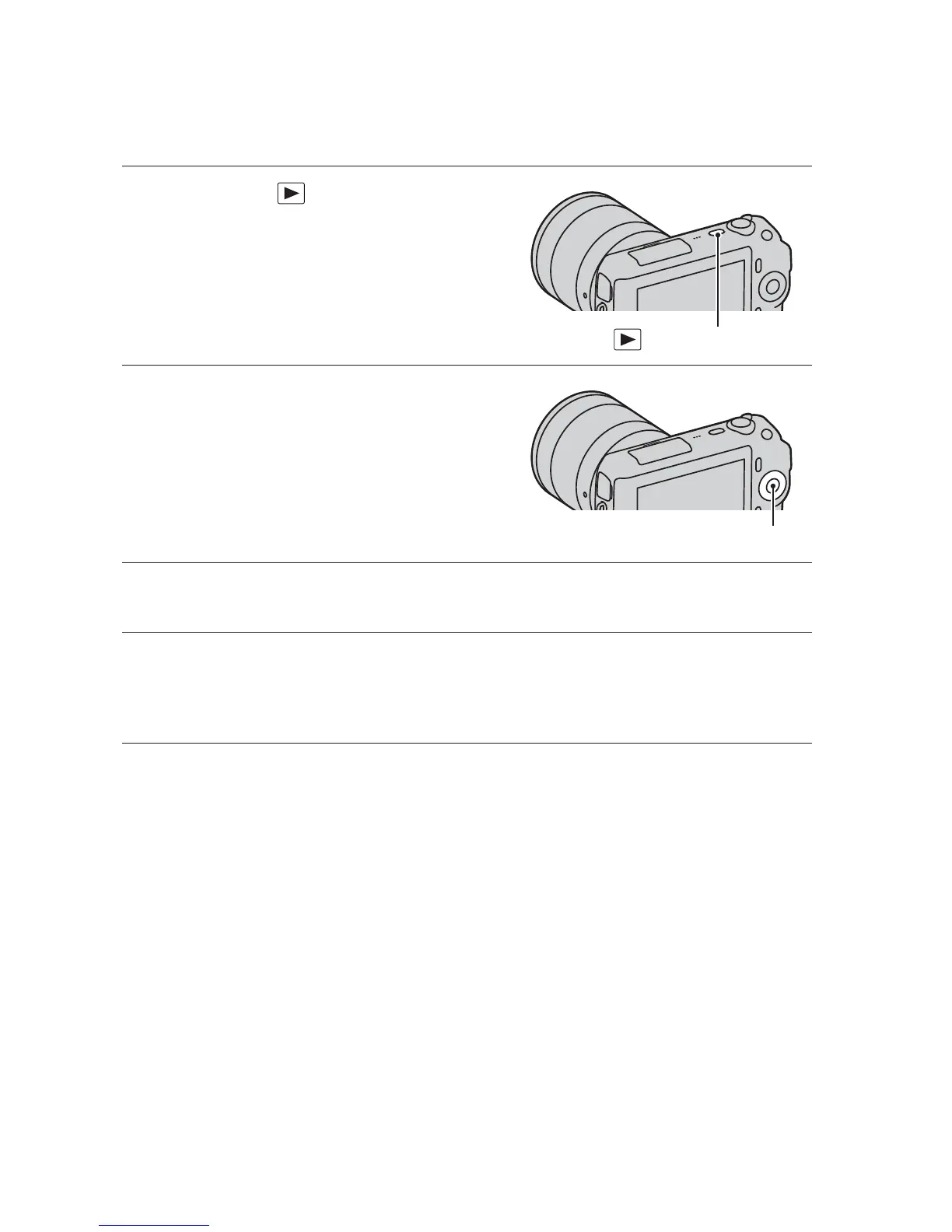
1
Press the (Playback)
button to enter the playback
mode.
(Playback) button
2
Display the image you want to
enlarge, then press [Enlarge]
(the center of the control
wheel).
Control wheel
3
Turn the control wheel to adjust the scaling.
4
Press the top/bottom/right/left of the control wheel to select
the portion you want to enlarge.
• To cancel the operation, press [Exit].



 To Next Page