GB
42
Using the self-timer
Shooting still images continuously
The camera records images continuously while you press and hold down the
shutter button.
1
Press [Menu].
[Menu]
2
Use the control wheel to select [Camera] t [Drive Mode]
t [Self-timer].
3
Press [Option], then turn the control wheel to select the
desired mode and press the center.
(Self-timer: 10 Sec): Sets the 10-second delay self-timer. Use this
when you want to include yourself in the picture.
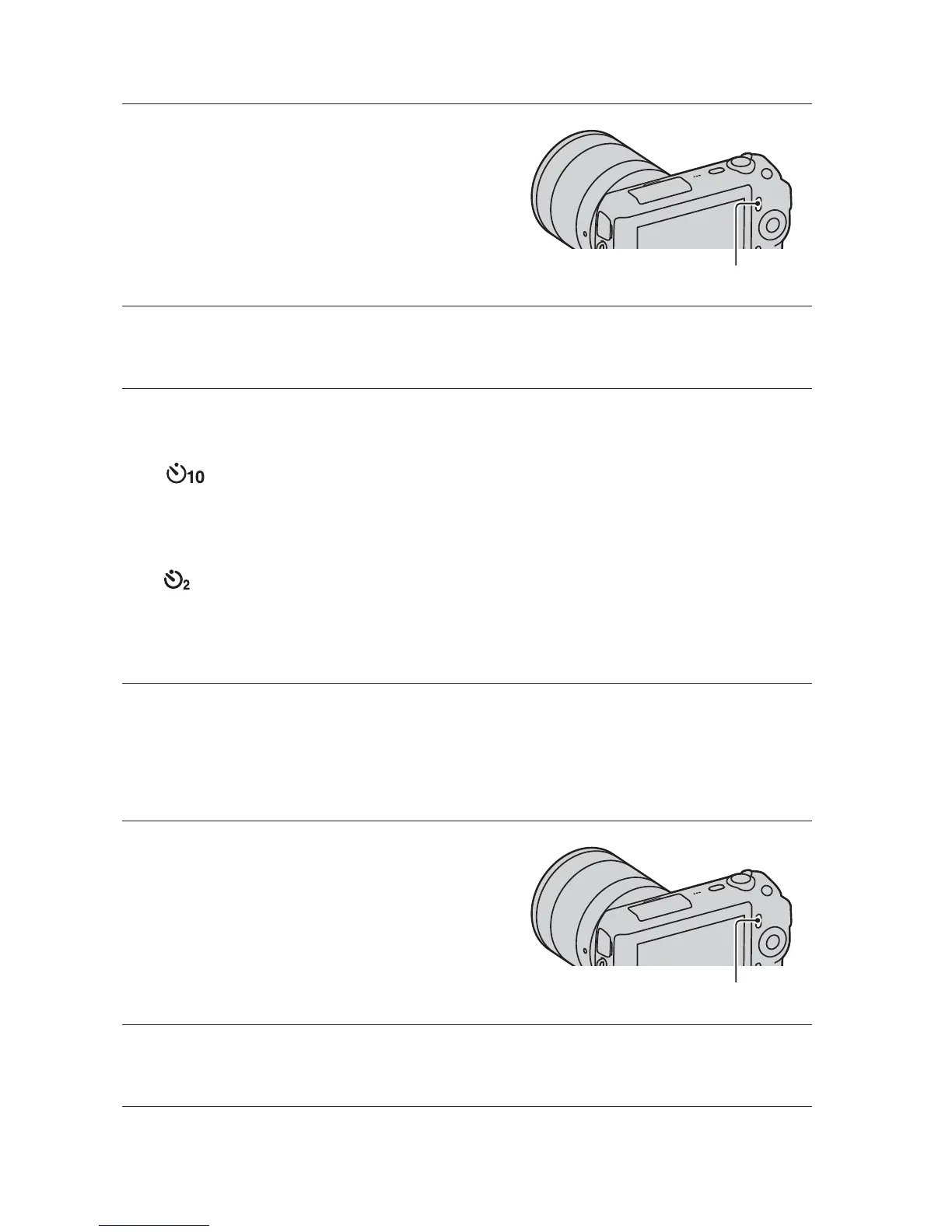
When you press the shutter button, the self-timer lamp flashes and beeps
until the shutter operates.
(Self-timer: 2 Sec): Sets the 2-second delay self-timer. You can
prevent blur caused by camera shake that occurs when the shutter button
is pressed.
• To cancel the timer, set [Drive Mode] to [Single-shot Adv.].
1
Press [Menu].
[Menu]
2
Use the control wheel to select [Camera] t [Drive Mode]
t [Continuous Adv.], and press the center.



 To Next Page