GB
36
Shooting with various drive mode
1
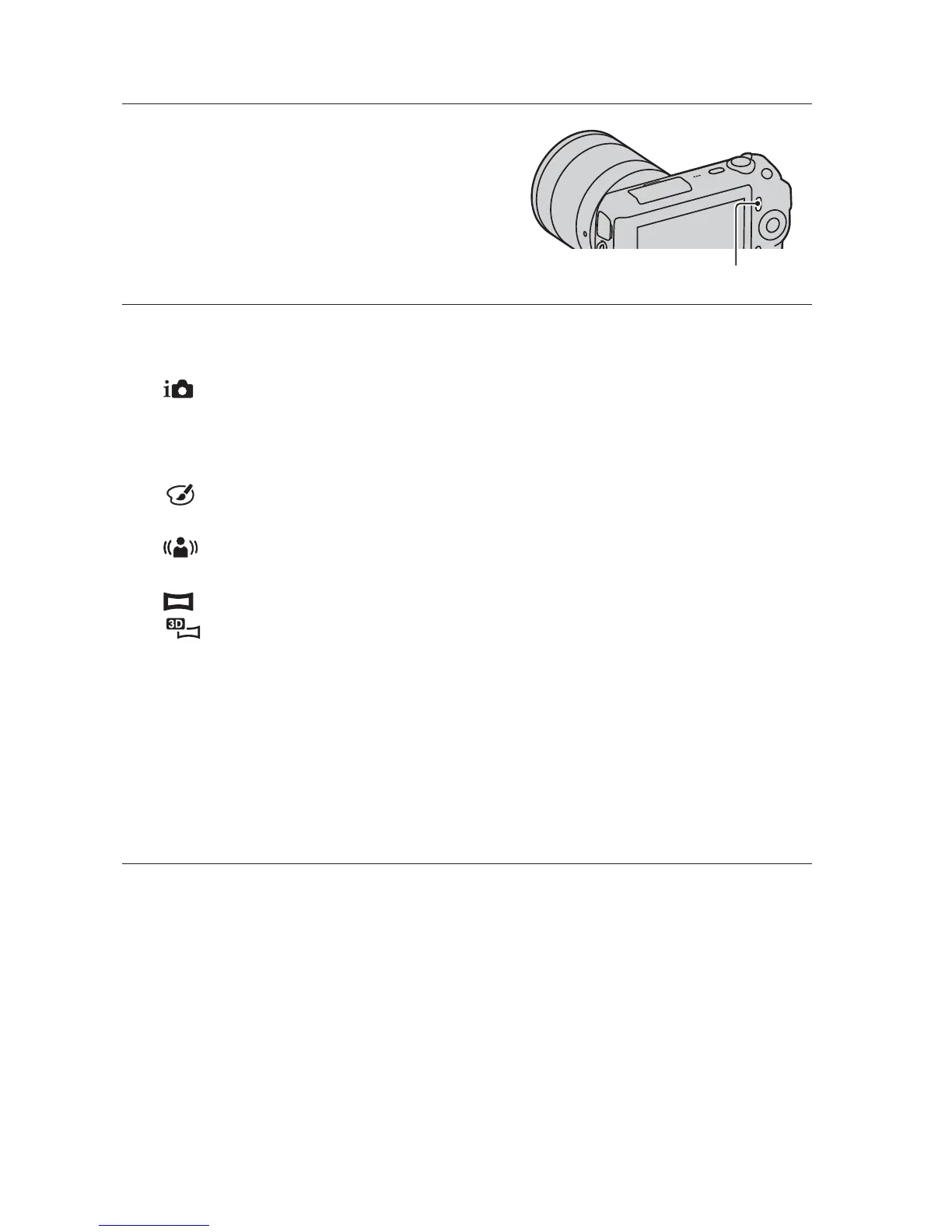
Press [Menu].
[Menu]
2
Use the control wheel to select [Shoot Mode] t desired
mode, and press the center.
(Intelligent Auto): The camera evaluates the subject and makes the
proper settings.
SCN (Scene Selection): Shoots with preset settings according to the
subject or condition.
(Picture Effect): Shoots with the desired effects to express a unique
atmosphere.
(Anti Motion Blur): Reduces the camera shake when shooting a
slightly dark indoor scene or a telephoto.
(Sweep Panorama): Shoots with panoramic size.
(3D Sweep Panorama): Shoots 3D panoramic images used for
playback on a 3D compatible TV.
M (Manual Exposure): Adjusts the aperture and shutter speed.
S (Shutter Priority): Adjusts the shutter speed to express the movement
of the subject.
A (Aperture Priority): Adjusts the range in focus, or defocuses the
background.
P (Program Auto): Automatic shooting that allows you to customize
settings, except for the exposure (aperture and shutter speed).



 To Next Page