117
GB
Table of
contents
Sample photo
search
Menu search
Index
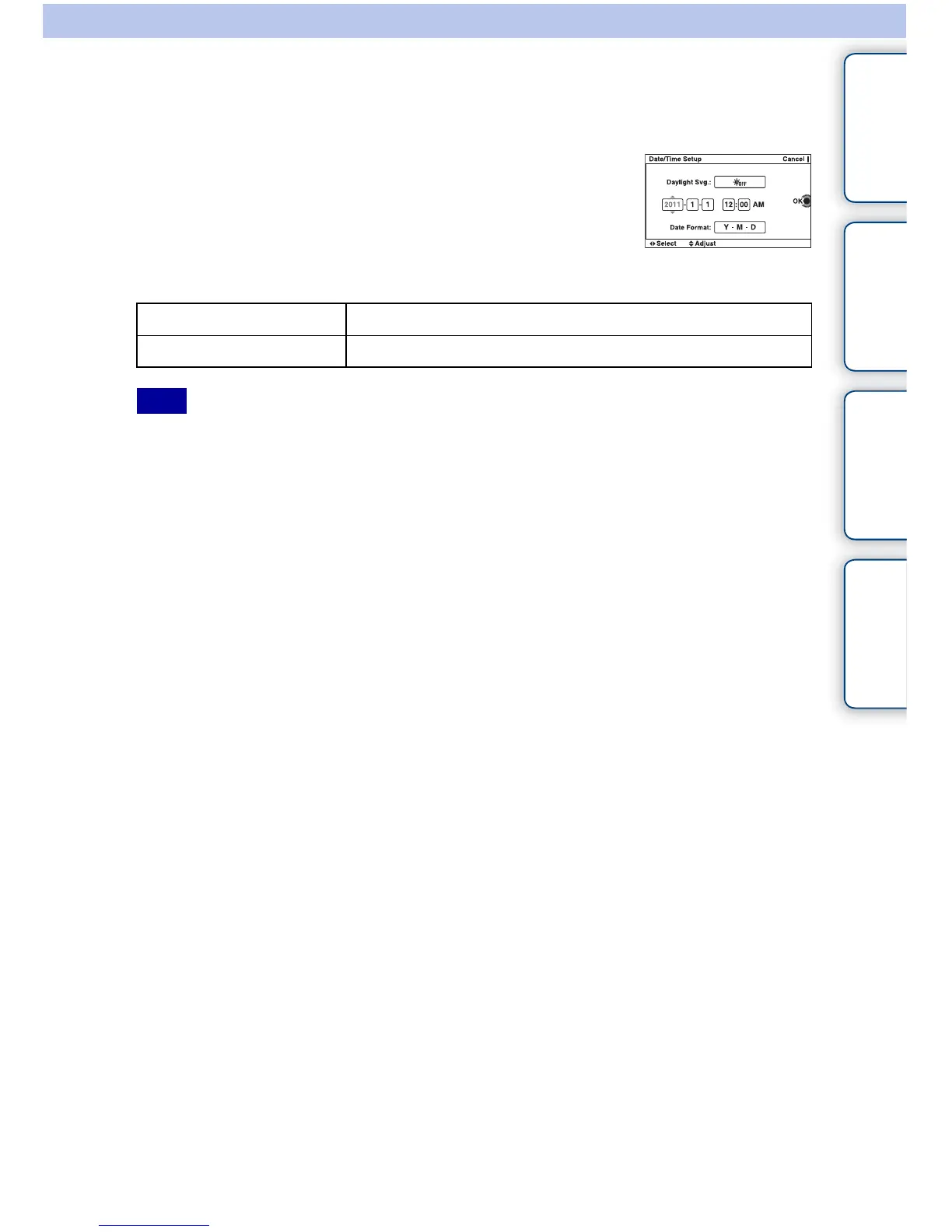
Date/Time Setup
Sets the date and time again.
• The camera does not have a feature for superimposing dates on images. By using “PMB” in the CD-ROM
(supplied), you can print or save images with the date.
1 [Menu] t [Setup] t [Date/Time Setup].
2 Set the date, time, etc.
Daylight Svg. Selects [ON] or [OFF].
Date Format Selects the date and time display format.
Note



 To Next Page