GB
35
Using the recording functions
Adjusting the brightness of still images
(Exposure compensation)
You can adjust the exposure in 1/3 EV steps in a range of –2.0 EV to +2.0 EV.
Changing the screen display (DISP)
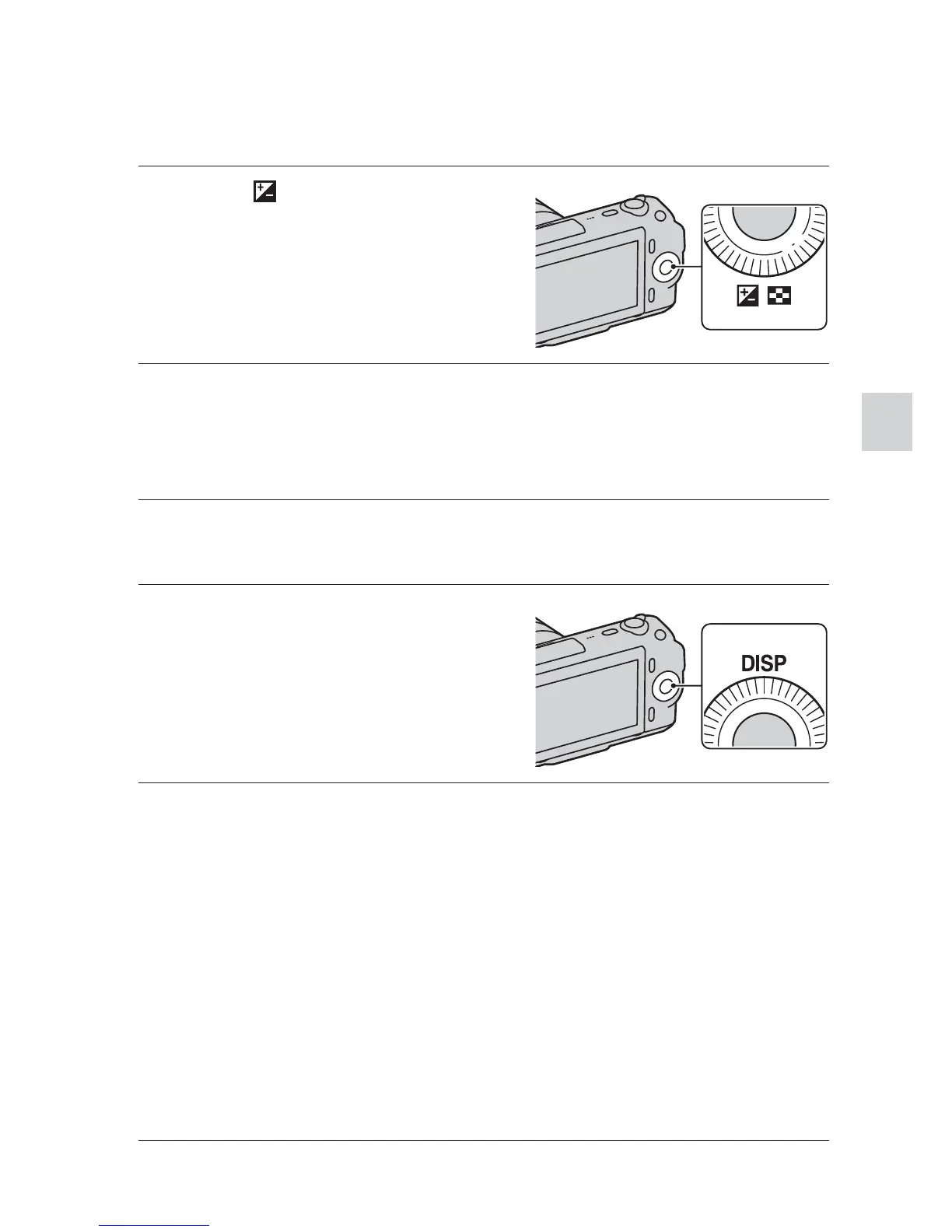
1
Press (Exposure Comp.)
on the control wheel.
2
Turn the control wheel to select the desired value, and
press the center.
When the image is too bright, set [Exposure Comp.] toward –.
When the image is too dark, set [Exposure Comp.] toward +.
1
Press DISP (Display
Contents) on the control
wheel.
2
Press DISP repeatedly to select the desired mode.
During shooting
Disp. Basic Info: Shows basic shooting information. Graphically shows
the shutter speed and aperture value, except for when [Shoot Mode] is set
to [Intelligent Auto] or [Sweep Panorama].
Display Info.: Shows recording information.
No Disp. Info.: Does not show recording information.
During playback
Display Info.: Shows recording information.
Histogram: Displays the luminance distribution graphically, in addition
to recording information.
No Disp. Info.: Does not show recording information.



 To Next Page