57
GB
Table of
contents
Sample photo
search
Menu search
Index
Self-timer
1 [Menu] t [Camera] t [Drive Mode] t [Self-timer].
2 [Option] t desired mode.
To cancel the timer, select [Single-shot Adv.].
• You cannot use [Self-timer] with the following functions:
– [Hand-held Twilight] in [Scene Selection]
– [Anti Motion Blur]
– [Sweep Panorama]
– [3D Sweep Panorama]
– [Smile Shutter]
– [Auto HDR]
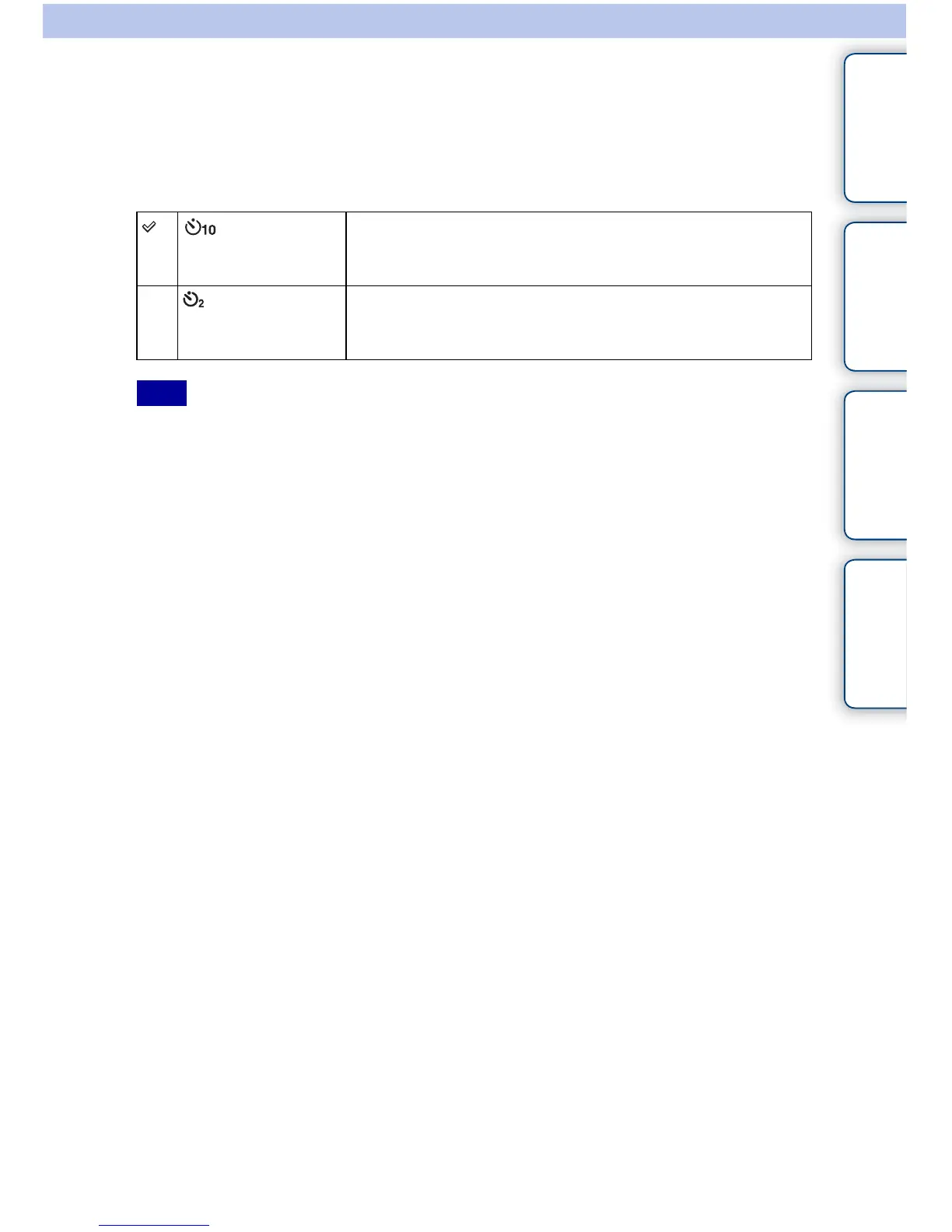
(Self-timer:
10 Sec)
Sets the 10-second delay self-timer.
When you press the shutter button, the self-timer lamp flashes
and the audio signal sounds until the shutter operates.
(Self-timer:
2Sec)
Sets the 2-second delay self-timer.
This reduces the camera shake caused by pressing the shutter
button.
Note



 To Next Page