87
GB
Table of
contents
Sample photo
search
Menu search
Index
Image Index
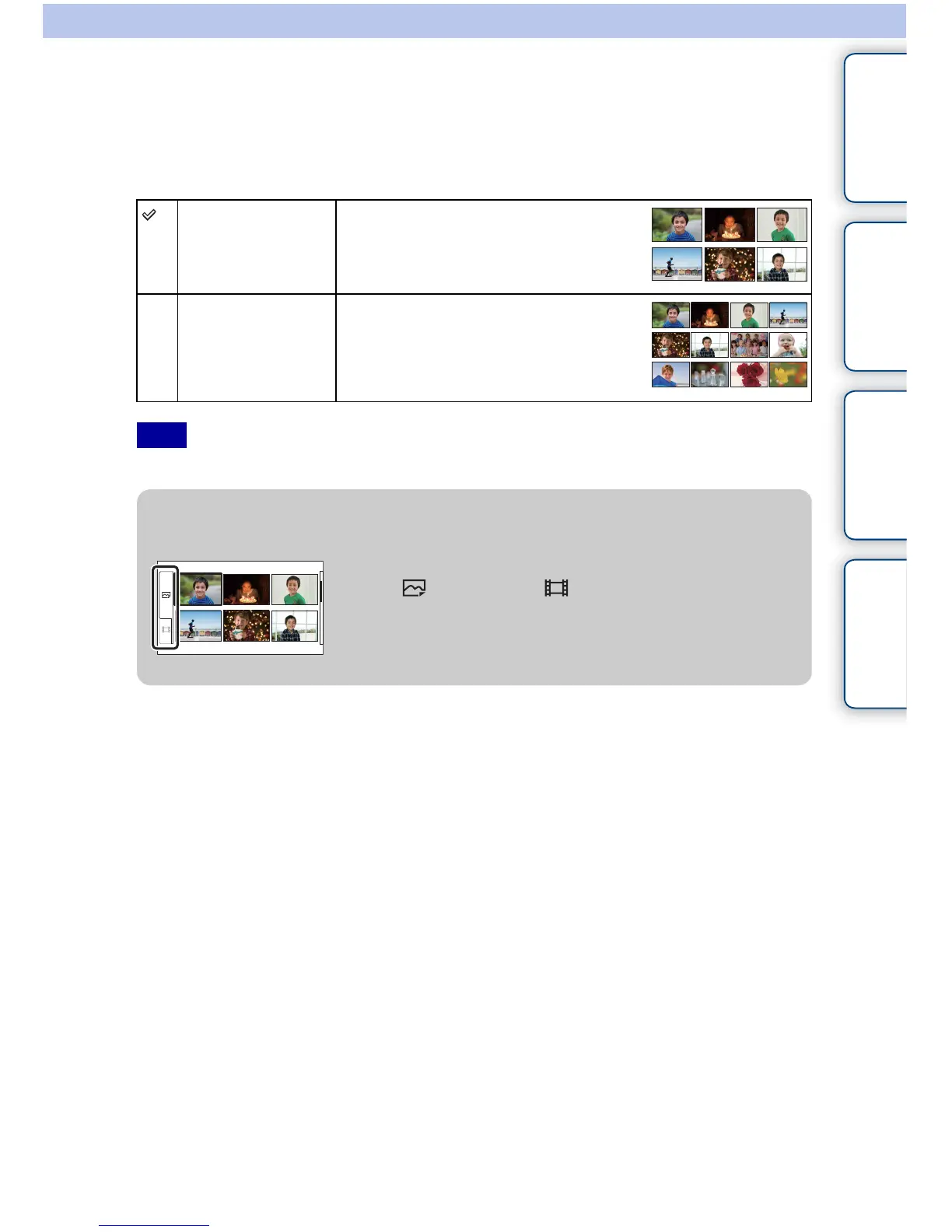
Selects the number of images to be displayed on the index.
1 [Menu] t [Playback] t [Image Index] t desired mode.
• You cannot display still image and movie on the same index screen.
6 Images Displays six images.
12 Images Displays 12 images.
Note
z Switching between the still image and the movie
You can switch the image type on the image index easily.
Select (still image) or (movie) on the left of the
screen.



 To Next Page