Managing Content
104
Table of Contents Index
Managing periodicals
In the issue list, you can keep only recent issues and
delete previous issues automatically.
1 Tap [Periodicals] at [Home] menu p tap a
periodical.
2 Press OPTIONS p tap [Manage Subscription].
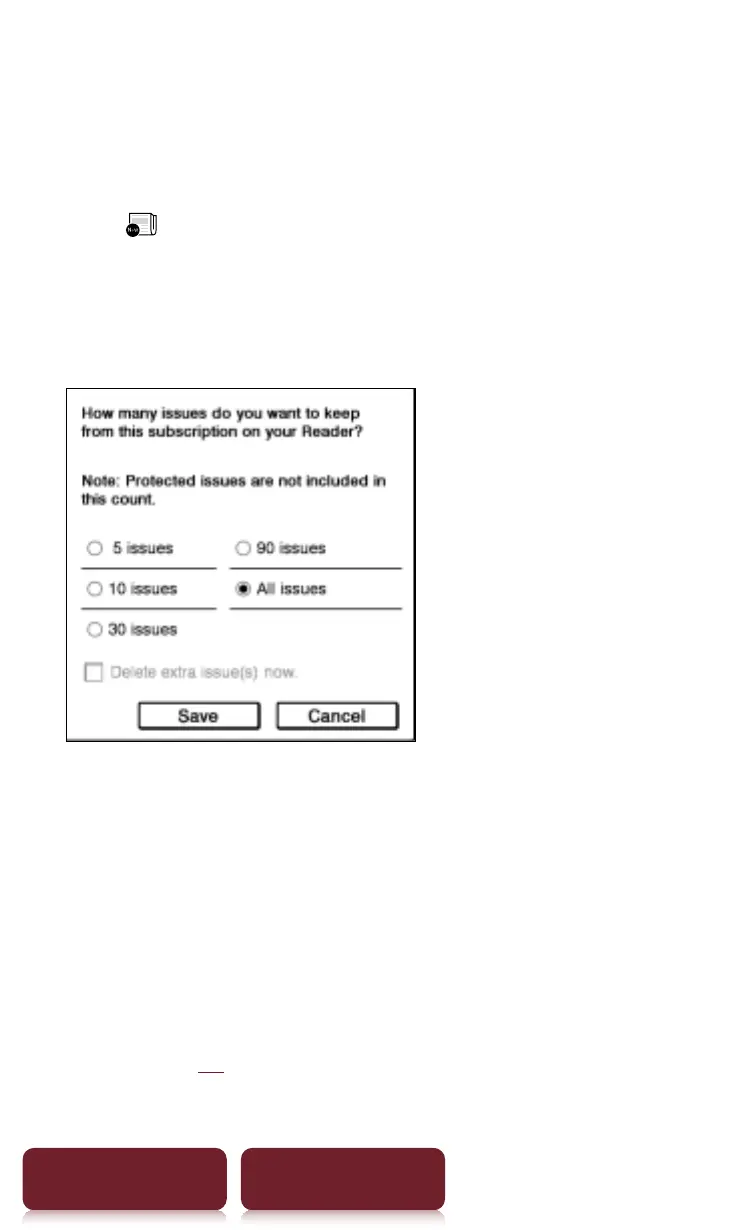
The management dialog appears.
3 Tap the desired setting p [Save]
Tips
ˎ
If you want to delete extra issues immediately, tap
[Delete extra issues now.] p [Save]. In the confirmation
dialog, tap [Yes].
ˎ
If you have issues that you do not want to delete,
protect them using [Protect Issues] in the OPTIONS
menu (
r
xx).














 To Next Page