Touch Screen
31
Table of Contents Index
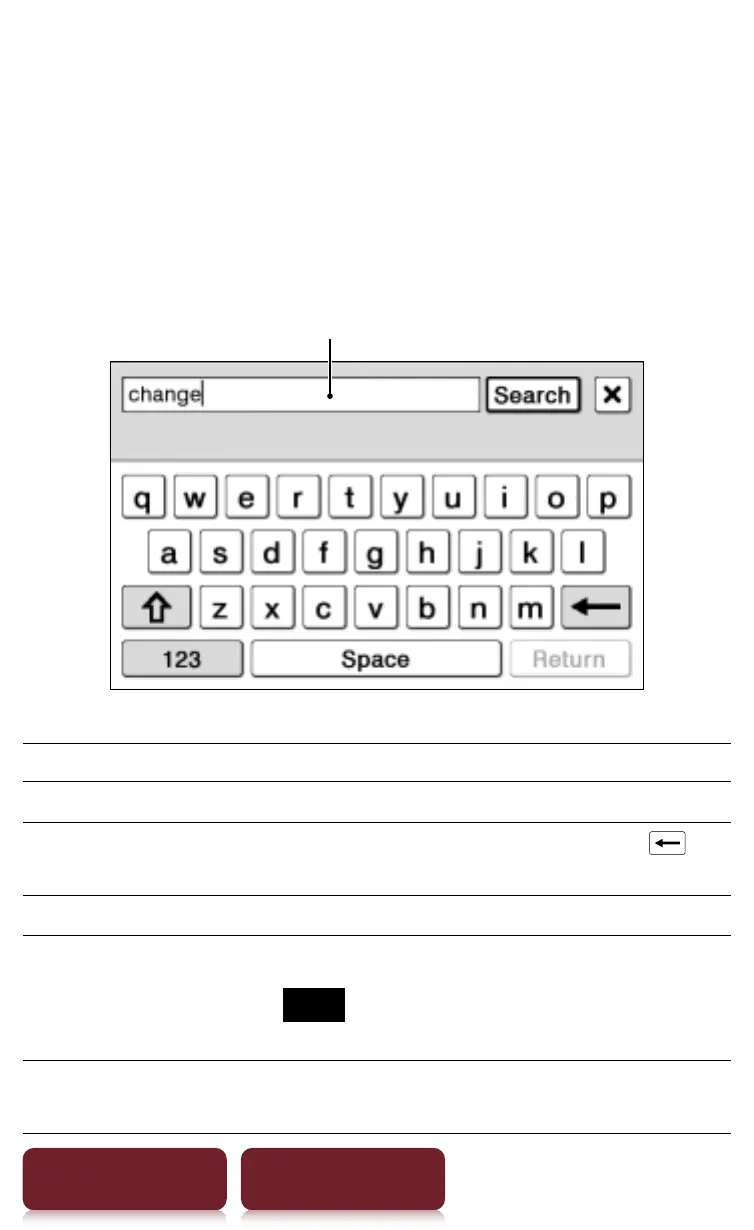
On-screen keyboard
The on-screen keyboard is used for many functions.
Tip
The key array of the keyboard varies depending on the
category of the input text (URL, telephone number,
numerical value, etc.).
Input area
To Perform at input area
Edit Tap to place the cursor.
Delete a character Tap to place the cursor and tap
to
delete a character before the cursor.
Finish inputting Tap [OK], [Search] or [Done].
Insert line feed
Tap [Return].
Note
[Return] is invalid with [Search].
Switch the keyboard
type
Tap [123] to switch to the symbol
keyboard. To return, tap [Abc].














 To Next Page