Resizing
68
Table of Contents Index
Resizing
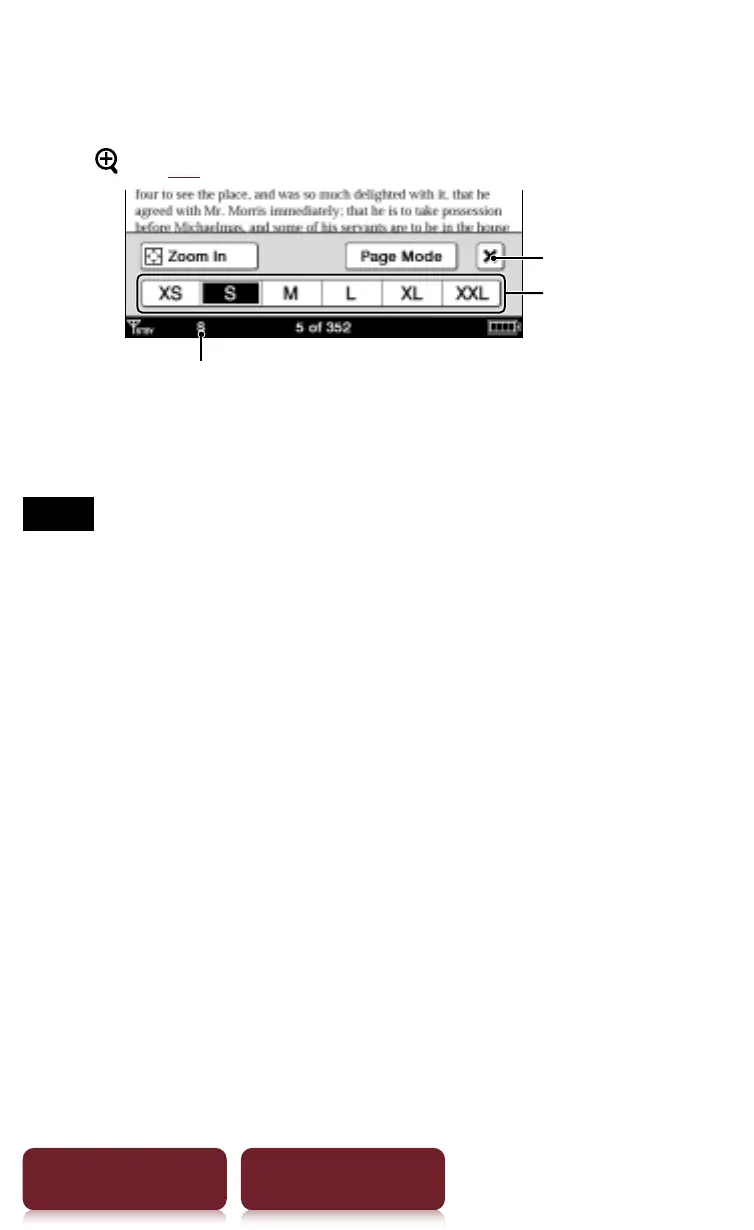
Press (
r
10) for re-sizing.
Size indicator
Quit
Text sizes
Adjusting the text size: Select one of text size icons and
close.
Notes
When you view PDF files in a size other than [S], the
following may occur.
ˎ
[S] size is the default font size. If another size is selected,
text size may not change correctly.
ˎ
Functions such as highlighting, searching, or temporary
word selection may not work correctly.
ˎ
The table and graphics may not be correctly displayed.
ˎ
A page containing only images cannot be resized.














 To Next Page