Annotation
61
Table of Contents Index
Highlighting word(s)
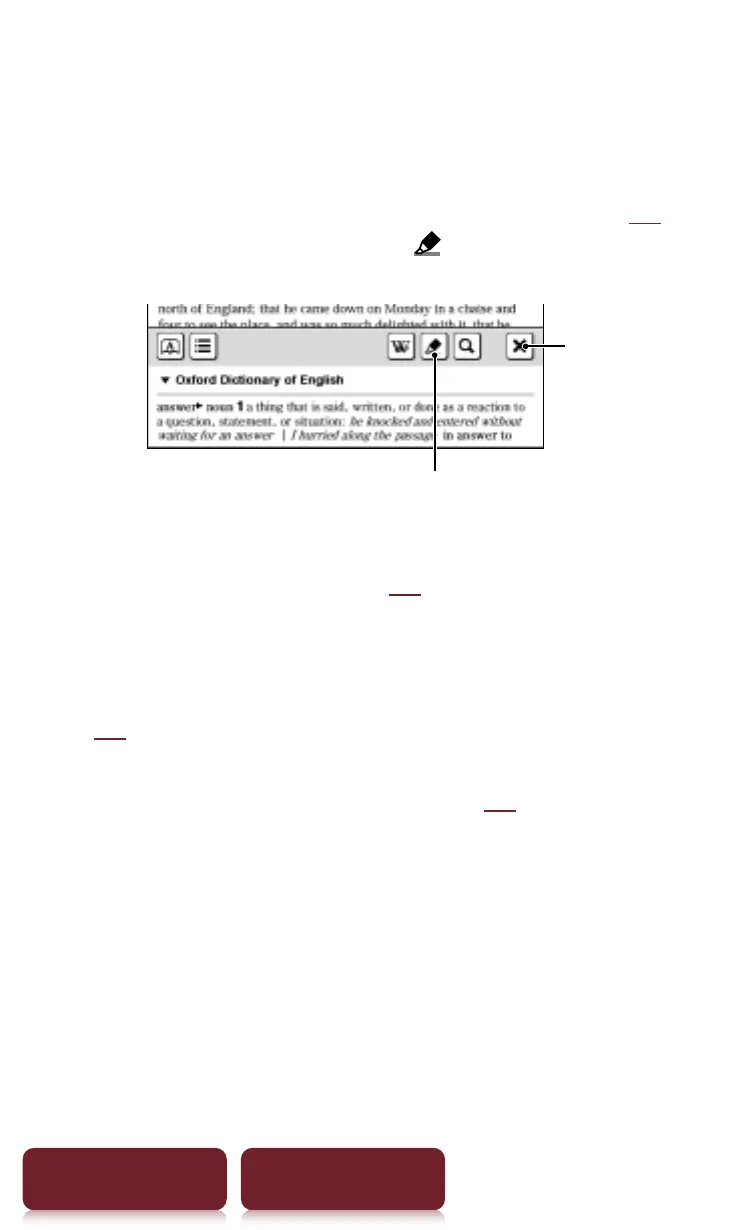
Highlighting at page view:
– A word: Double-tap a word.
– Consecutive words: Double-tap and drag (
r
25).
– At pop-up tool window, tap
marker to highlight.
Marker
Quit
– Highlighting can be done in the OPTIONS menu:
[Notes]
p
[Create/Edit] (
r
41).
Deleting:
– From the OPTIONS menu: [Notes]
p
[Create/Edit]
(
r
41).
Adding a note in a highlight: See
r
42.














 To Next Page