Applications menu
111
Table of Contents Index
Creating text memos
1 Tap [Text Memo] under [Applications] at
[Home] menu.
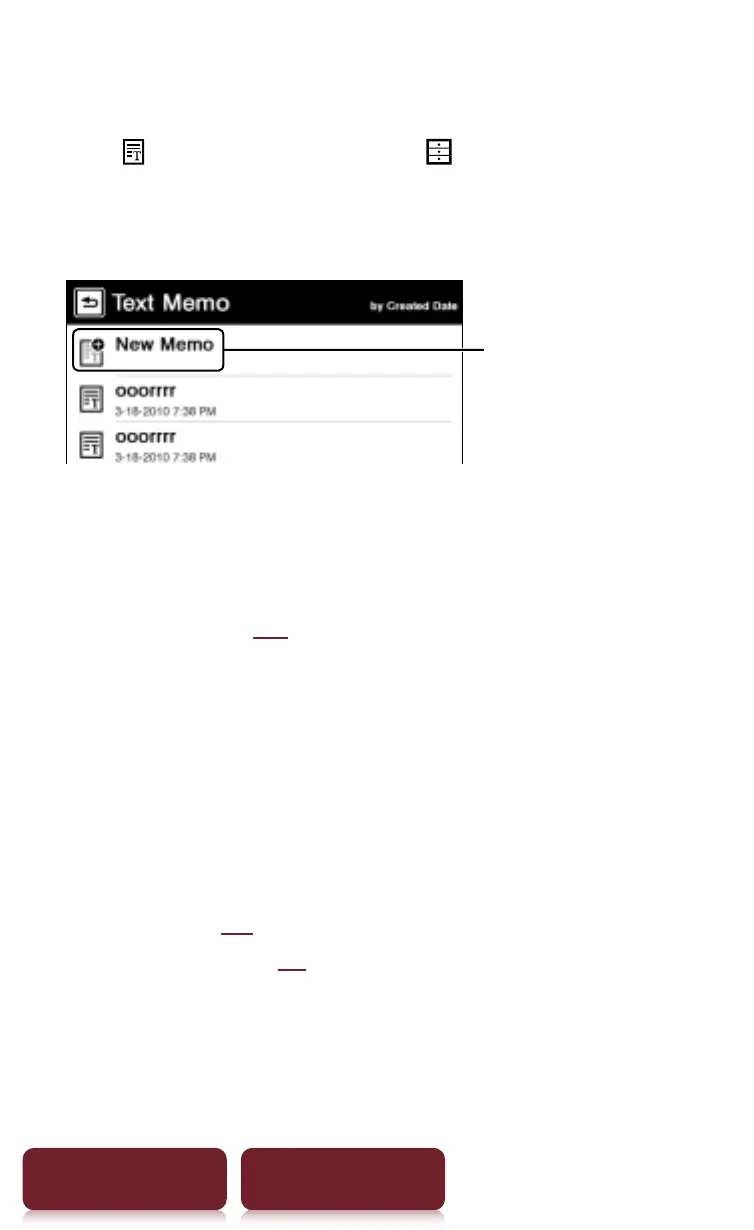
2 Tap [New Memo].
[New Memo]
Tip
Press OPTIONS
p
tap [New Memo] to create a text memo.
3 Enter text in the input area using the on-screen
keyboard (
r
26)
p
Tap [Done].
Tips
ˎ
If you tap [New], the current text memo is saved, and a new
text memo editor opens.
ˎ
Newly created text memos will be saved only in the
internal memory.
Viewing/editing text memos
After step 1 (
r
80), tap a memo to view. Tap [Edit] and
follow the step 3
r
xx.














 To Next Page