Resizing
70
Table of Contents Index
Zooming in
The current page in view can be magnified. Also, the
magnification can be locked so that the desired setting
can be maintained. This feature is useful when reading
a book containing scanned images.
1 Press
p
tap [
Zoom In].
Tip
Pressing and > simultaneously at the page view screen
instantly magnifies the page by 10%.
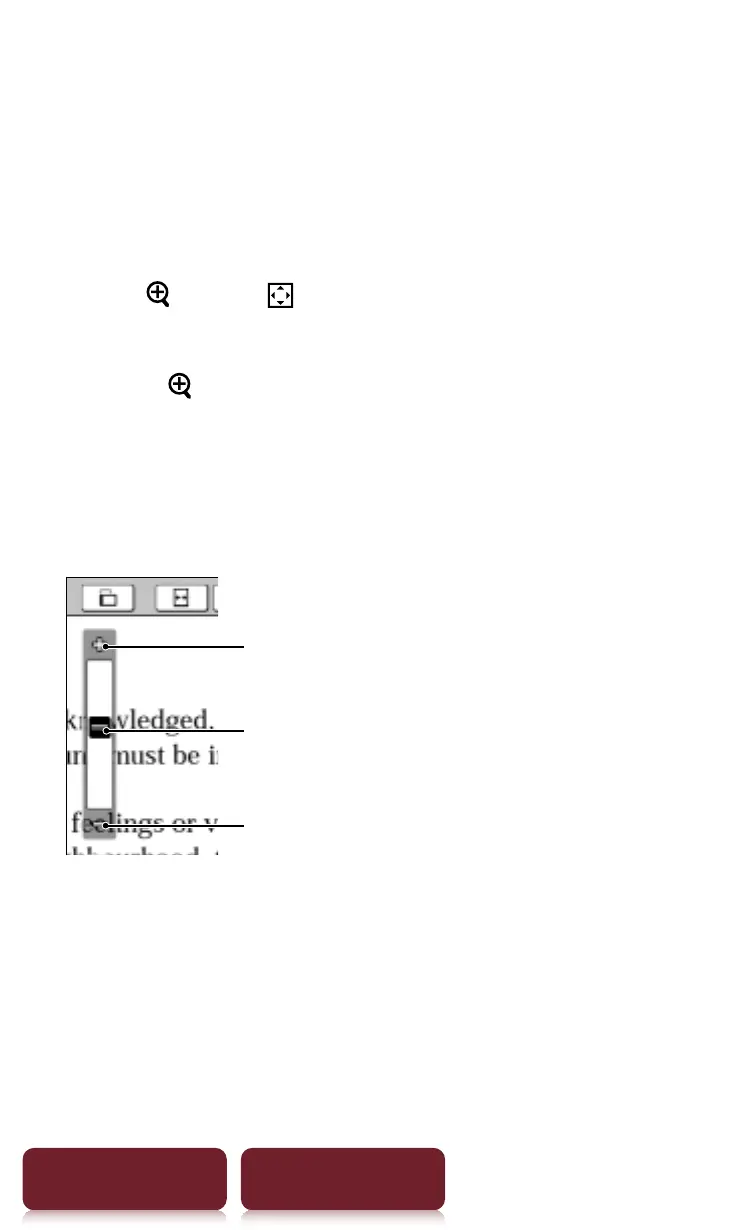
2 Drag the zoom slider, or tap + or – of the zoom
bar repeatedly until the page is zoomed to the
desired scale.
Zoom in
Zoom slider
Zoom out to the original size














 To Next Page