Accessing the Reader Store with your computer
47
Table of Contents Index
Step 1: Installing Reader Library
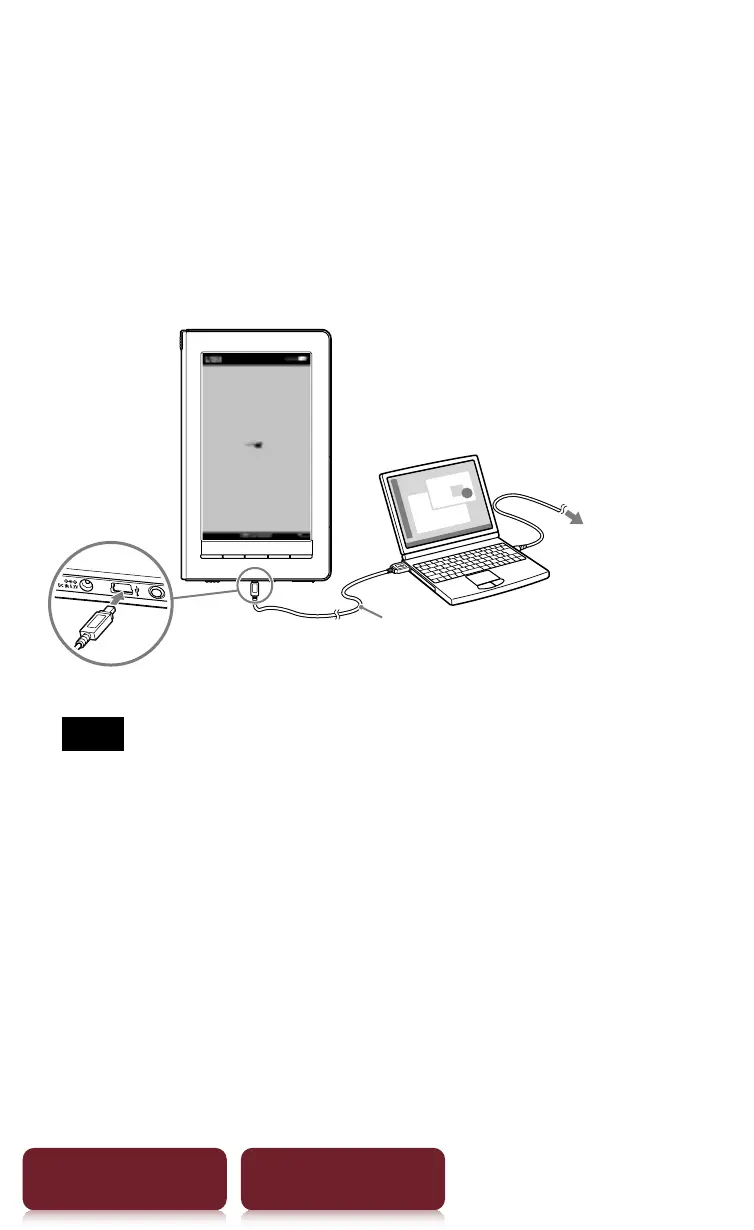
1 Connect your Reader to your computer using
the supplied USB cable.
Ensure that your Reader is turned on and your
computer is switched on, connected to the
Internet, and you have Administrator access.
USB cable (supplied)
To an AC outlet
Note
ˎ
The Reader only charges when the connected
computer is powered on.
ˎ
The wireless feature is unavailable while the Reader is
connected via USB.
ˎ
The Reader cannot be operated when connected to a
computer via USB.














 To Next Page