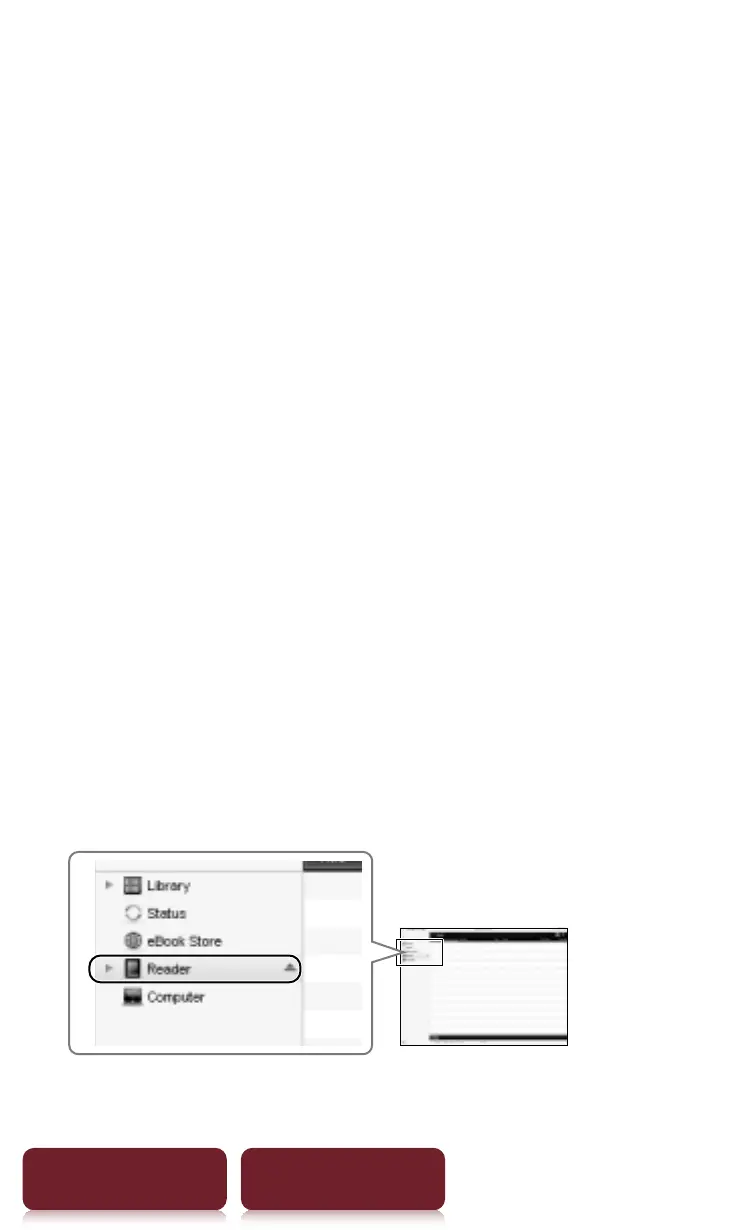
Accessing the Reader Store with your computer
48
Table of Contents Index
2 For Windows users, go to the “Start” menu and
click “My Computer” (or “Computer” for
Windows Vista and Windows 7 users). Then
double-click the “SETTING” drive and then
double-click “Setup Reader Library for
Windows”.
To install on Macintosh computers:
When your Reader is connected to your Mac,
“SETTING” and “READER” will appear on the
desktop. Double-click the “SETTING” drive and then
double-click “Setup Reader Library for Mac”.
3 Follow the on-screen instructions to complete
the installation of Reader Library.
A shortcut to Reader Library will be added to your
computer desktop (Windows only). Reader Library
may start automatically depending on which
option you choose just before finishing the
installation. If Reader Library does not start
automatically, double-click the shortcut to start
Reader Library.














 To Next Page