Annotation
63
Table of Contents Index
Adding a note
1 Tap a bookmark or highlighted word
p
[by
Drawing] or [by Keyboard].
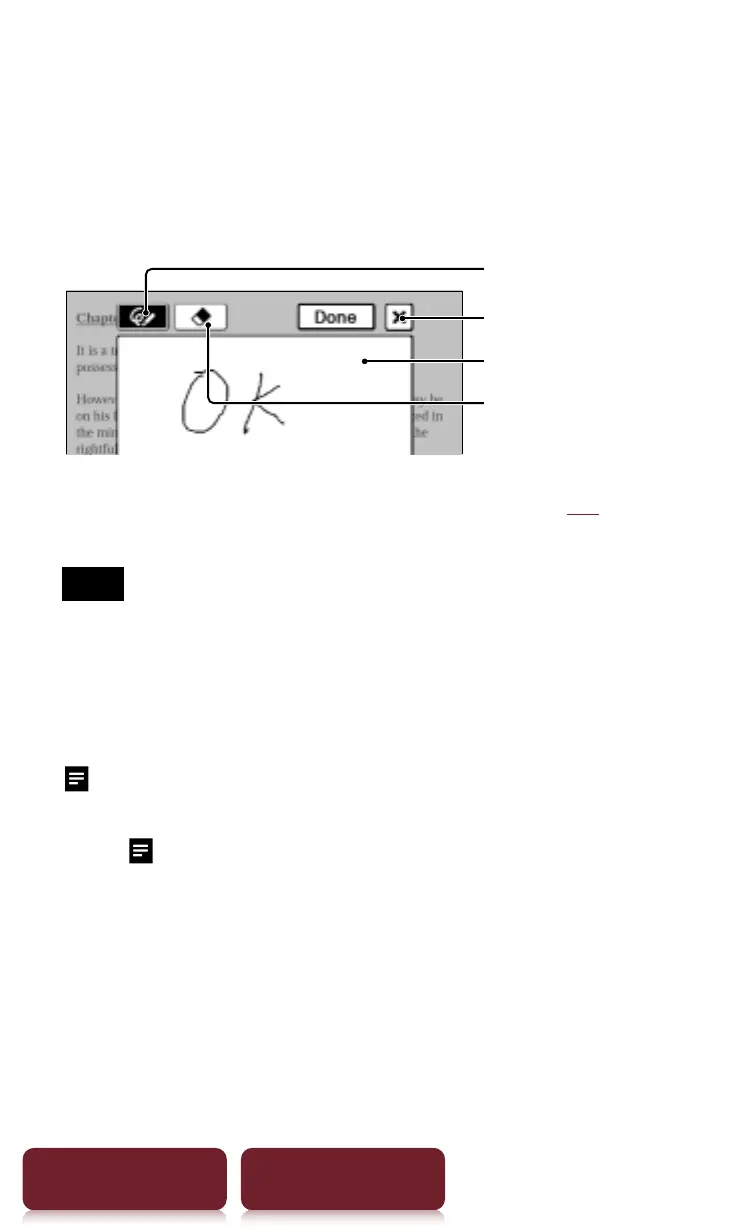
To enter a handwritten note, tap [by Drawing].
Pen
Eraser
Quit
Drawing area
To enter a memo with typed in text (
r
26), tap [by
Keyboard].
Note
When adding a note to the highlighted text in [Create/
Edit], unselect any annotation tool icon and then tap the
highlight.
2 Enter a note
p
tap [Done].
will be attached to the bookmark or highlight. To
view the added note, tap a bookmark or highlight
with
.














 To Next Page