Accessing the Reader Store with your computer
4949
Table of Contents IndexTable of Contents Index
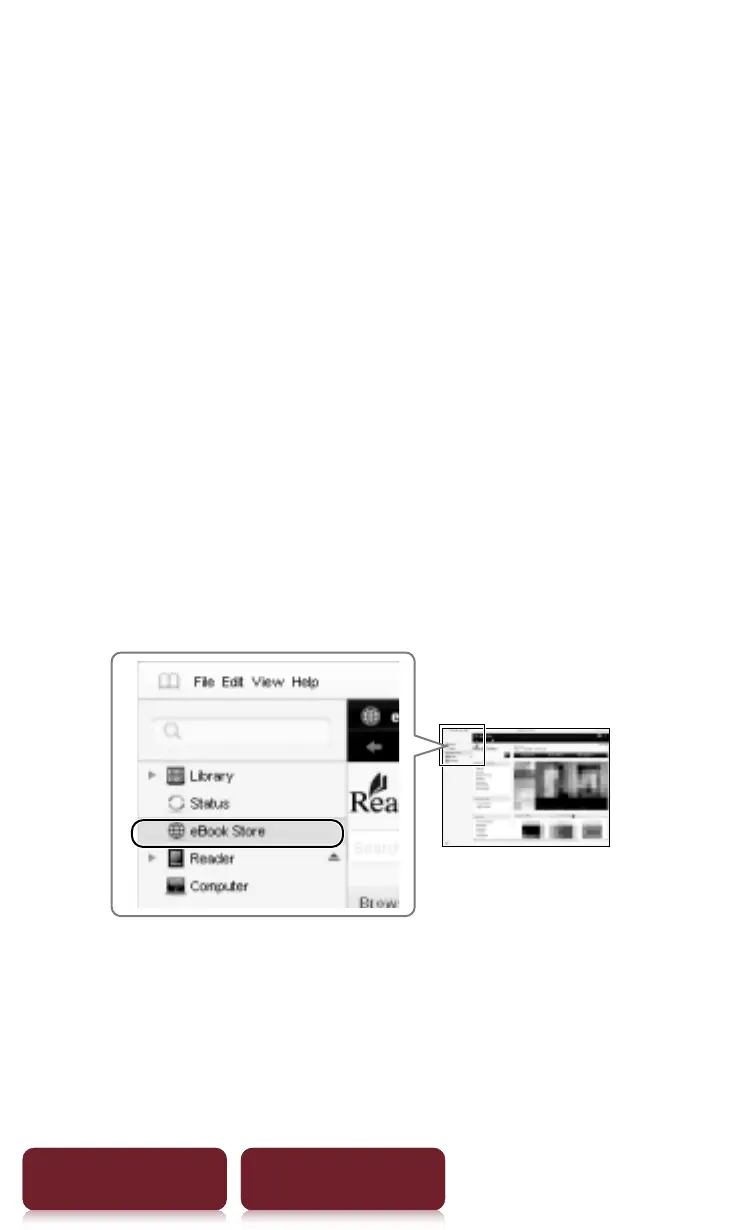
You can navigate around the different sections of
Reader Library using the navigation menu on the
left-hand side. When your Reader is connected to
your computer, you will see [Reader] appear in the
list.
To learn how to create an account and purchase
eBooks, please read the following section.
Step 2: Creating an Account and
Purchasing eBooks
1 Visit Reader Store and create an account.
Click [eBook Store] in the left-hand menu
within Reader Library.














 To Next Page