Accessing the Reader Store with your computer
51
Table of Contents Index
2 Purchase and download eBooks.
Once you set up your account, you can purchase
eBooks, subscribe to periodicals and search over 1
million titles from Google Books.
You can also borrow eBooks from your local public
libraries. For details, refer to the home page of
Reader Store.
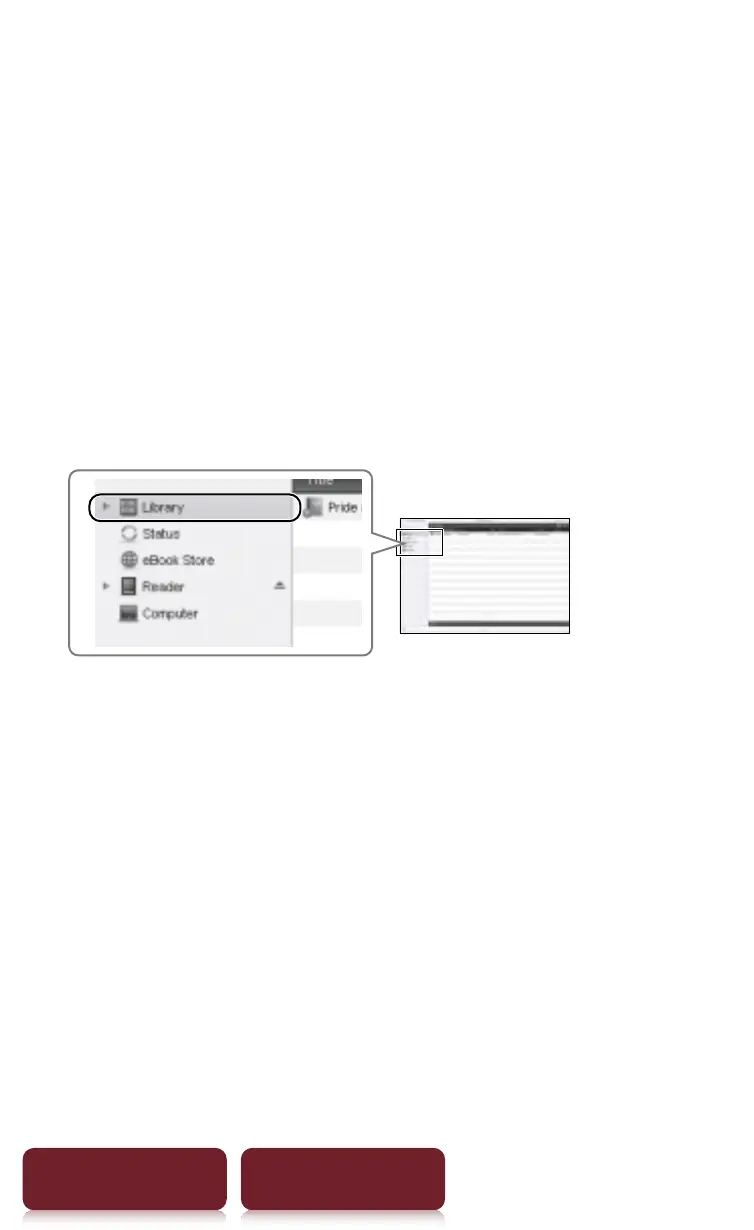
All purchased eBooks, subscribed periodicals and
free downloads can be found in the [Library]
section in the left-hand menu within Reader
Library.
Step 3: Transferring your eBooks to
your Reader
1 Click [Library] in the left-hand menu within
Reader Library.














 To Next Page