Changing Settings
127
Table of Contents Index
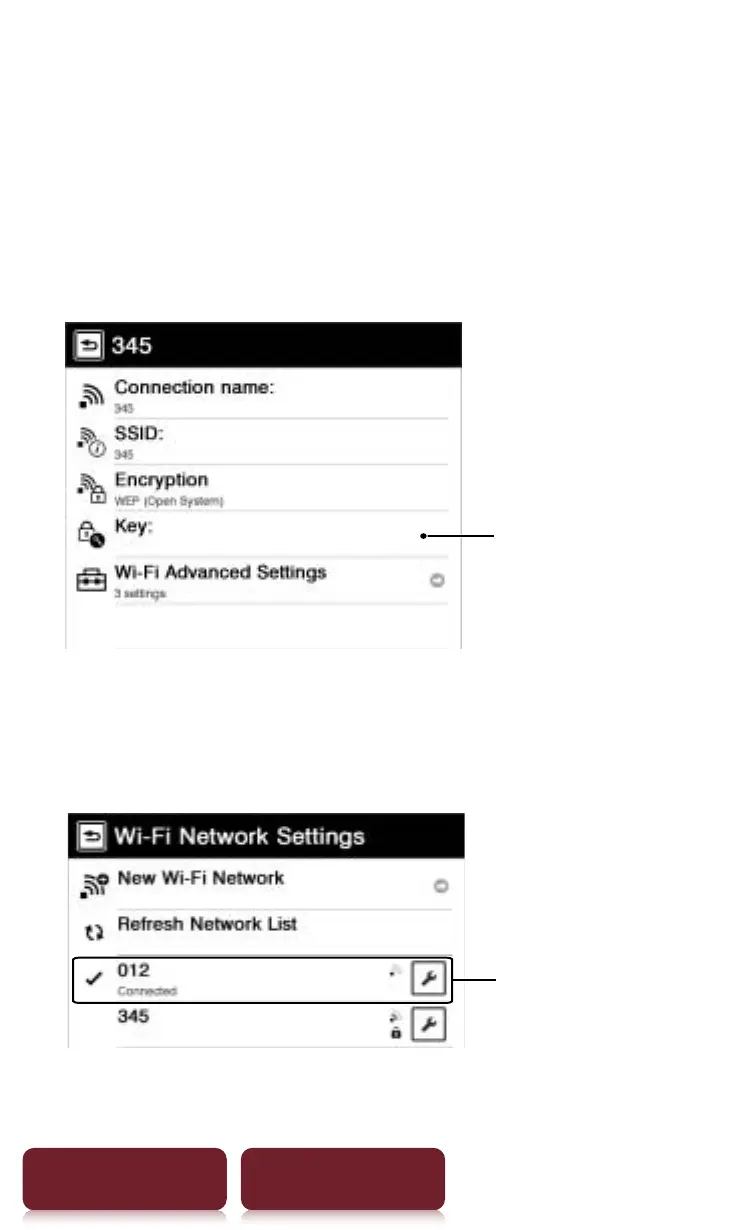
1 Tap the access point you want to connect to
from the access points list.
If an encryption key is required, the detailed screen
appears.
When no encryption key is required, the Reader
connects to the selected access point. A check mark
and [Connected] appears to the access point.
Tap to enter the
encryption key
2 Tap [Key]
p
enter the encryption key using the
on-screen keyboard
p
tap [OK].
The Reader connects to the selected access point.
Connected access point














 To Next Page