Resizing
72
Table of Contents Index
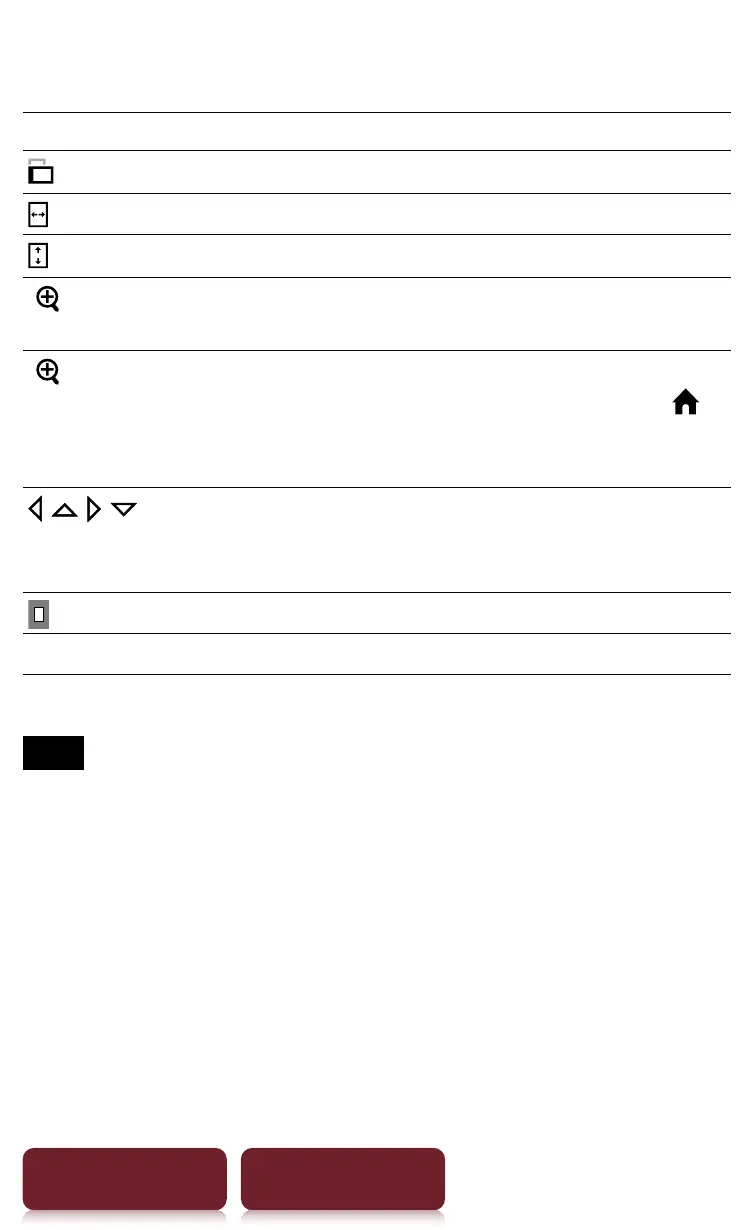
Using the zoom-in mode
Tap To
Switch the screen orientation.
Fit the page width to the screen width.
Fit the page height to the screen height.
[
Lock]
Lock the zoom ratio and the magnified
area. The book can be read as it is.
[
Unlock]
Return to the zoom-in mode.
To keep the zoom locked screen, press
to quit. When opening the book next time
the zoom locked screen will be restored.
/ / / * Scroll the page. You can also scroll the page
by dragging or tap on a page where you
want to zoom in.
Check which part on the page is displayed.
ɚ
Return to original view.
* Displays when in zoom-in mode.
Note
ˎ
In zoom-in mode, page links are not available.














 To Next Page