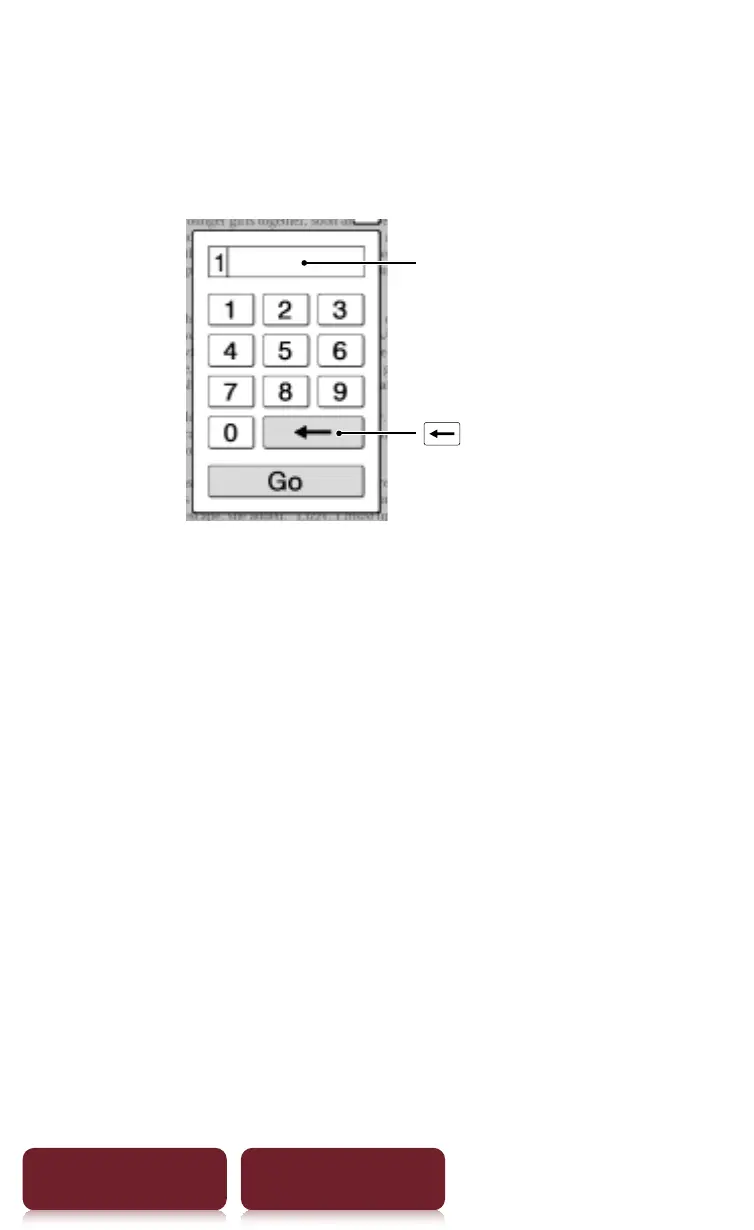
Jumping to a Page
79
Table of Contents Index
By page number
Tap the page number shown in the status bar
p
[Enter
Page #]
p
tap the number keys to input a page number
p
[Go]. You will jump to the specified page.
Input area
(Delete) key
If the input page number exceeds the number of
pages in the book, the Reader will show the last page.
If 0 is input, the first page will be displayed.














 To Next Page