6-4E
6-7. Hard Disk Check Menu
1) When the key “1” is pressed down, the ID check will be
executed.
2) When the key “2” is pressed down, performance check will be
executed.
3) When the key “3” is pressed down, WRITE ID will be executed.
4) When the key “4” is pressed down, Format will be executed.
5) When the key “9” is pressed down, Factory check will be
executed.
6) When the “RETURN” key is pressed, the monitor display
moves to the menu screen.
6-8. Path Individual Check
(Pasted Screen Check (visual check) and
data check (digital video data auto-check))
Screen Transition
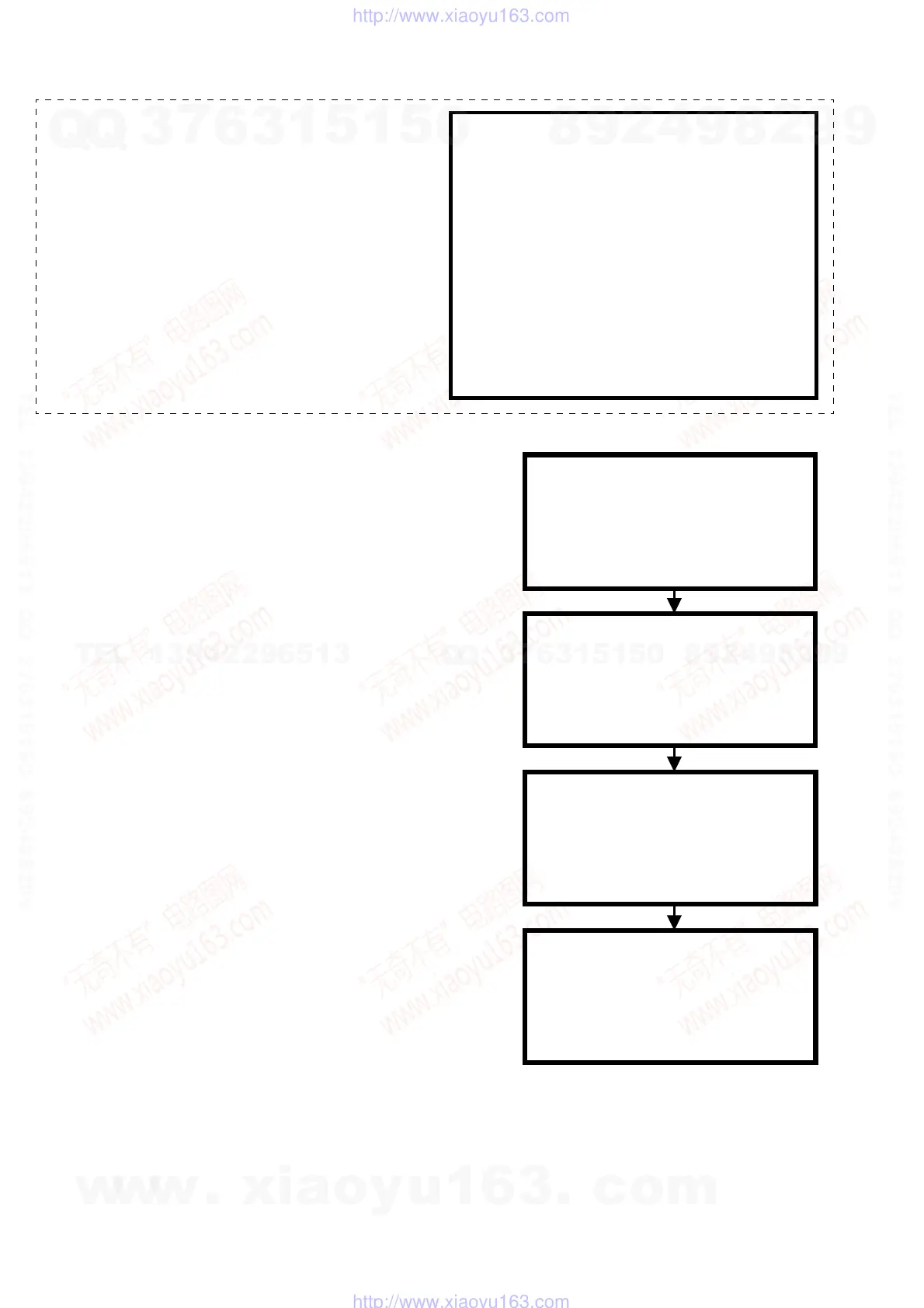
1) Select the NAZCA item from the menu.
2) The device pasted screen (top of the color bar) is displayed.
(When visual check is required, the display does not move to
the judgement screen but remains displaying the picture.)
3) When the “ENTER” key is pressed, the monitor display moves
to the judgement screen.
4) When the “RETURN” key is pressed on the judgement screen,
the monitor display moves to the menu
screen.
<< HDD MODE >>
1) Indicate ID
2) Performance Check
3) Write ID
4) Format
9) Factory Check
<< PATH TEST MENU >>
1) NAZCA
· · · ·
<< NAZCA >>
GRAPHICS OK
<< OK >>
The device pasted screen
(top of the color bar) is displayed.
<< PATH TEST MENU >>
1) NAZCA
· · · ·
Except RDR-GX310
w
w
w
.
x
i
a
o
y
u
1
6
3
.
c
o
m
Q
Q
3
7
6
3
1
5
1
5
0
9
9
2
8
9
4
2
9
8
T
E
L
1
3
9
4
2
2
9
6
5
1
3
9
9
2
8
9
4
2
9
8
0
5
1
5
1
3
6
7
3
Q
Q
TEL 13942296513 QQ 376315150 892498299
TEL 13942296513 QQ 376315150 892498299
http://www.xiaoyu163.com
http://www.xiaoyu163.com



 To Next Page