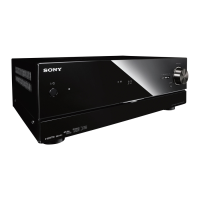
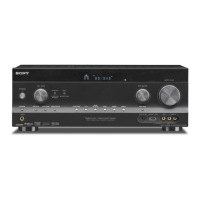
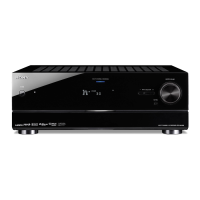
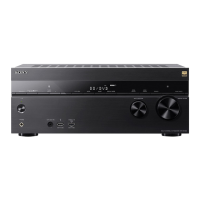
MULTI CHANNEL AV RECEIVER
STR-DN1050/STR-DN850
Checking the information of a connected BLUETOOTH device
You can check the BLUETOOTH device information by pressing DISPLAY repeatedly.
Each time you press DISPLAY, the display will change cyclically as follows:
BLUETOOTH device name - BLUETOOTH device address - Sound field currently applied - Volume level - Input you
selected
Notes on use
4-488-938-11(1)
Copyright 2014 Sony Corporation
Help Guide



 To Next Page