75
System Configuration Menu
Chapter 3 Menu
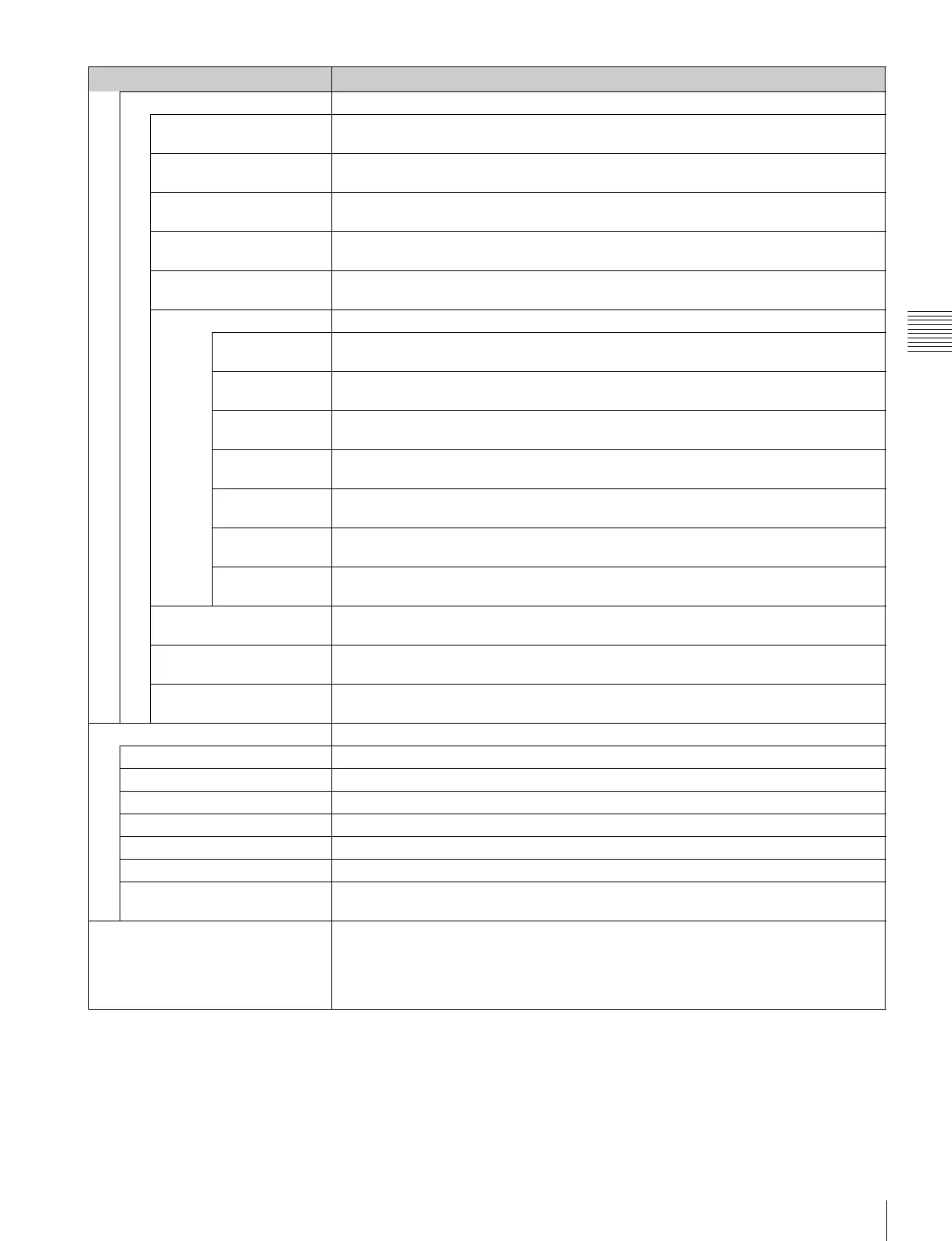
Password
Apply Password Sets whether or not to apply the password to each menu (Yes or [No]).
Adjustment Yes: Apply the password.
[No]: Not apply the password.
Channel Configuration Yes: Apply the password.
[No]: Not apply the password.
Auxiliary Setting Yes: Apply the password.
[No]: Not apply the password.
Function Setting Yes: Apply the password.
[No]: Not apply the password.
System Configuration Yes: Apply the password.
[No]: Not apply the password.
Individual Item Sets whether or not to apply the password to the System Configuration menu.
Network Yes: Apply the password.
[No]: Not apply the password.
Parallel Remote Yes: Apply the password.
[No]: Not apply the password.
Power Yes: Apply the password.
[No]: Not apply the password.
On Screen Set Yes: Apply the password.
[No]: Not apply the password.
Date/Time Yes: Apply the password.
[No]: Not apply the password.
Scan Mode Skip Yes: Apply the password.
[No]: Not apply the password.
Screen Saver Yes: Apply the password.
[No]: Not apply the password.
File Management Yes: Apply the password.
[No]: Not apply the password.
Controller Yes: Apply the password.
[No]: Not apply the password.
Key Protect Yes: Apply the password.
[No]: Not apply the password.
Date/Time When the item is selected, you can set or change the date and time.
Year Sets the year.
Month Sets the month.
Day Sets the day.
Hour Sets the hour (in 24-hour display).
Minute Sets the minute.
Cancel Cancels the setting.
Confirm Executes the setting.
Second is set to 0.
Scan Mode Skip Sets the scan mode to be skipped when the SCAN button is pressed in the single mode
connection.
[None]: No scan is skipped.
Under Scan: The under scan is skipped.
Over Scan: The over scan is skipped.
Menu Function and operation ([ ]: factory setting)



 To Next Page