39
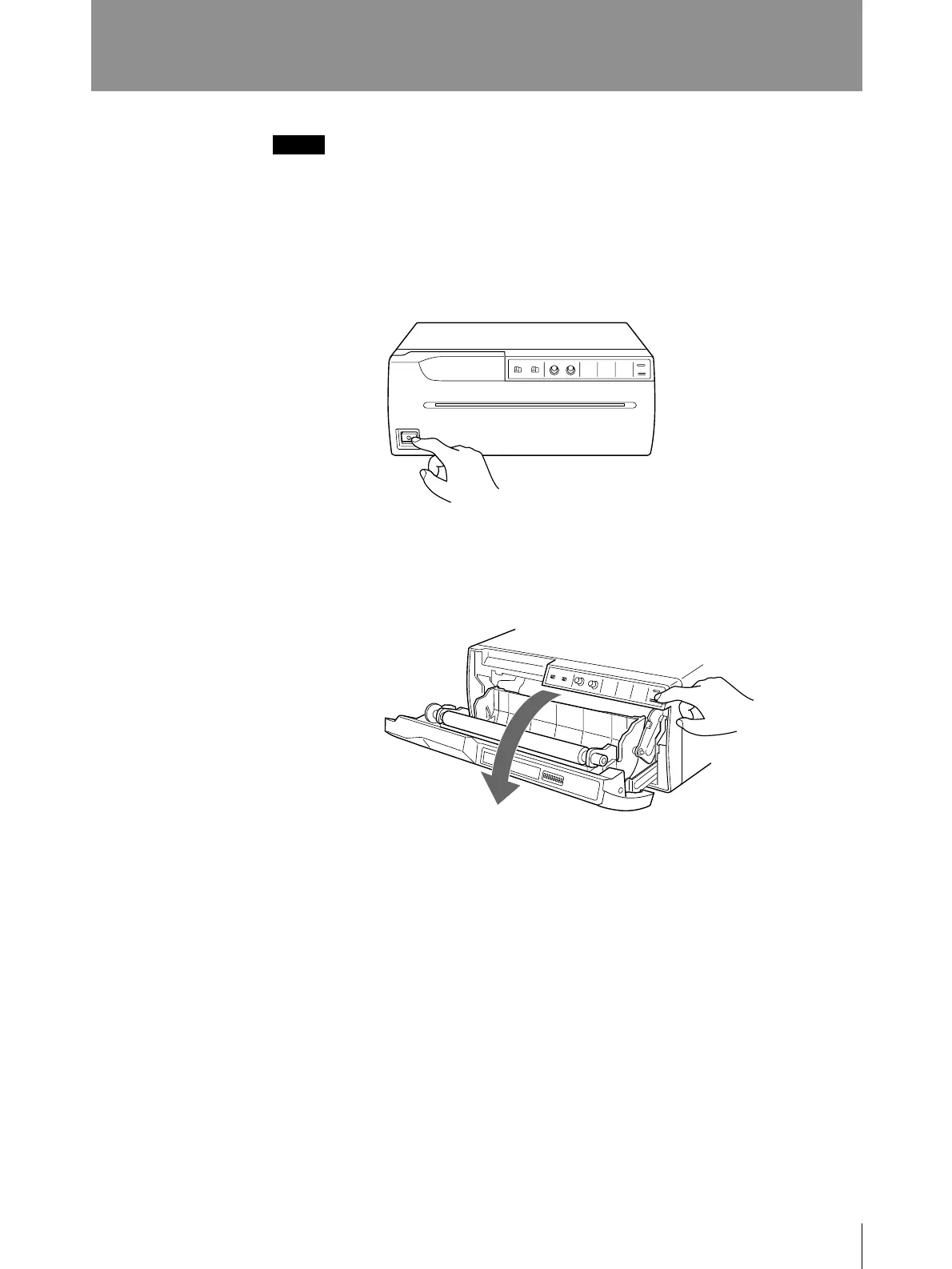
2 Press the OPEN/CLOSE button to open the door panel.
Loading Paper
Notes
• Do not fold the paper or touch the printing surface. Any dust on the printing
surface will result in poor printing quality.
• Use only paper made specially for the UP-960 series. (See page 49.)
1 Press the power ON/OFF switch to turn on the printer.
The buttons on the front panel will light.
Prepration
Continue to next page m



 To Next Page