43
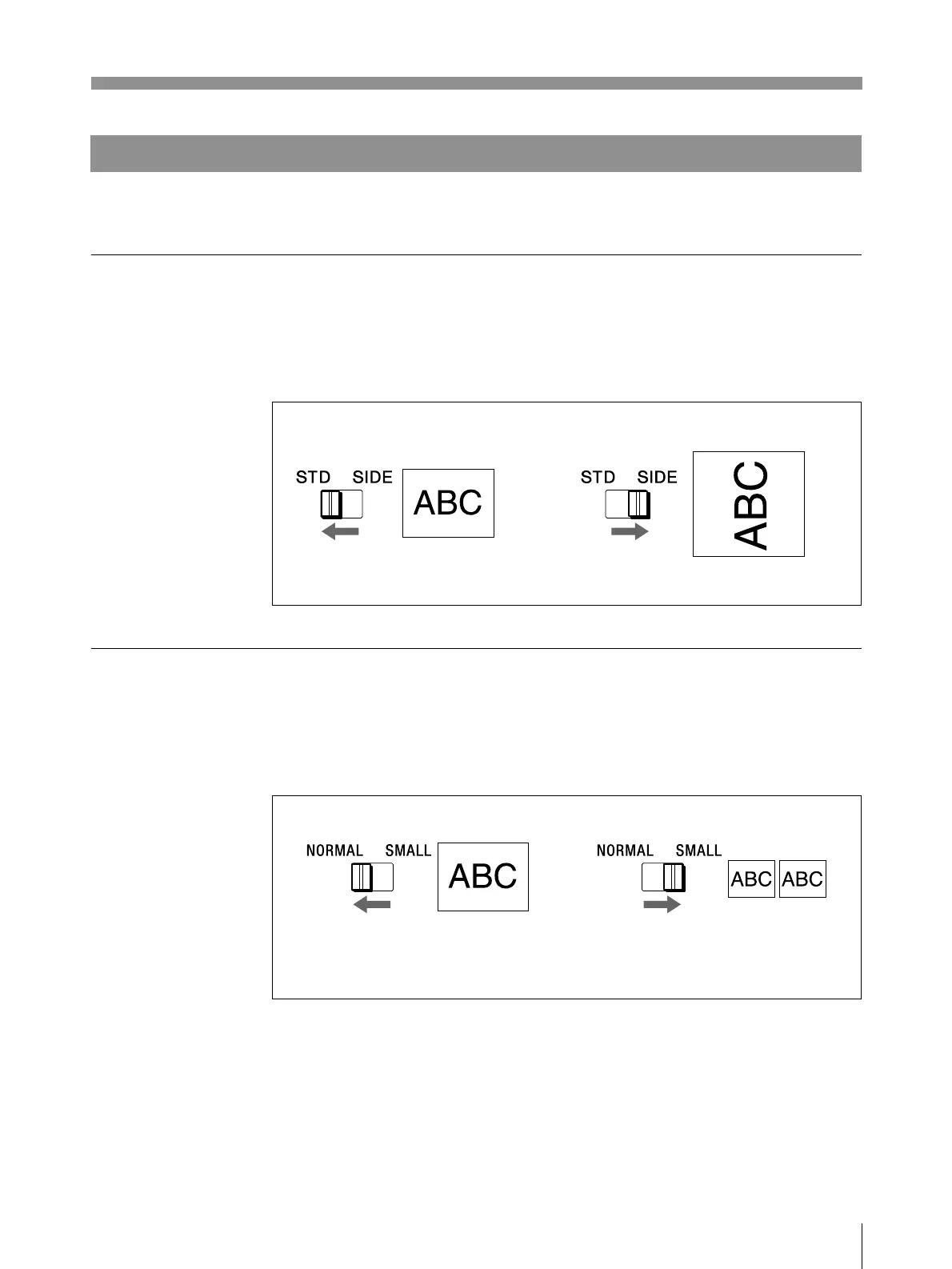
Selecting the Printing Direction/Printing Size
You can make variations of printouts using the IMAGE SIZE selectors and the DIP
switches.
Selecting the printing direction
You can select the vertical or horizontal direction using the IMAGE SIZE STD/
SIDE selector.
To print in the vertical direction: Set to STD.
To print in the horizontal direction: Set to SIDE.
Selecting the printing size
You can print in normal or small size by changing the IMAGE SIZE NORMAL/
SMALL selector.
To print in normal size: Set to NORMAL.
To print in small size: Set to SMALL.
Operation



 To Next Page