2-20
VPL-PS10/PX10/PX15
2-2-20. Main Soft and Pixel Works Soft Writing
T3 board and harness 6P in XBB KIT ASSY(A-1501-989-
A) are used.
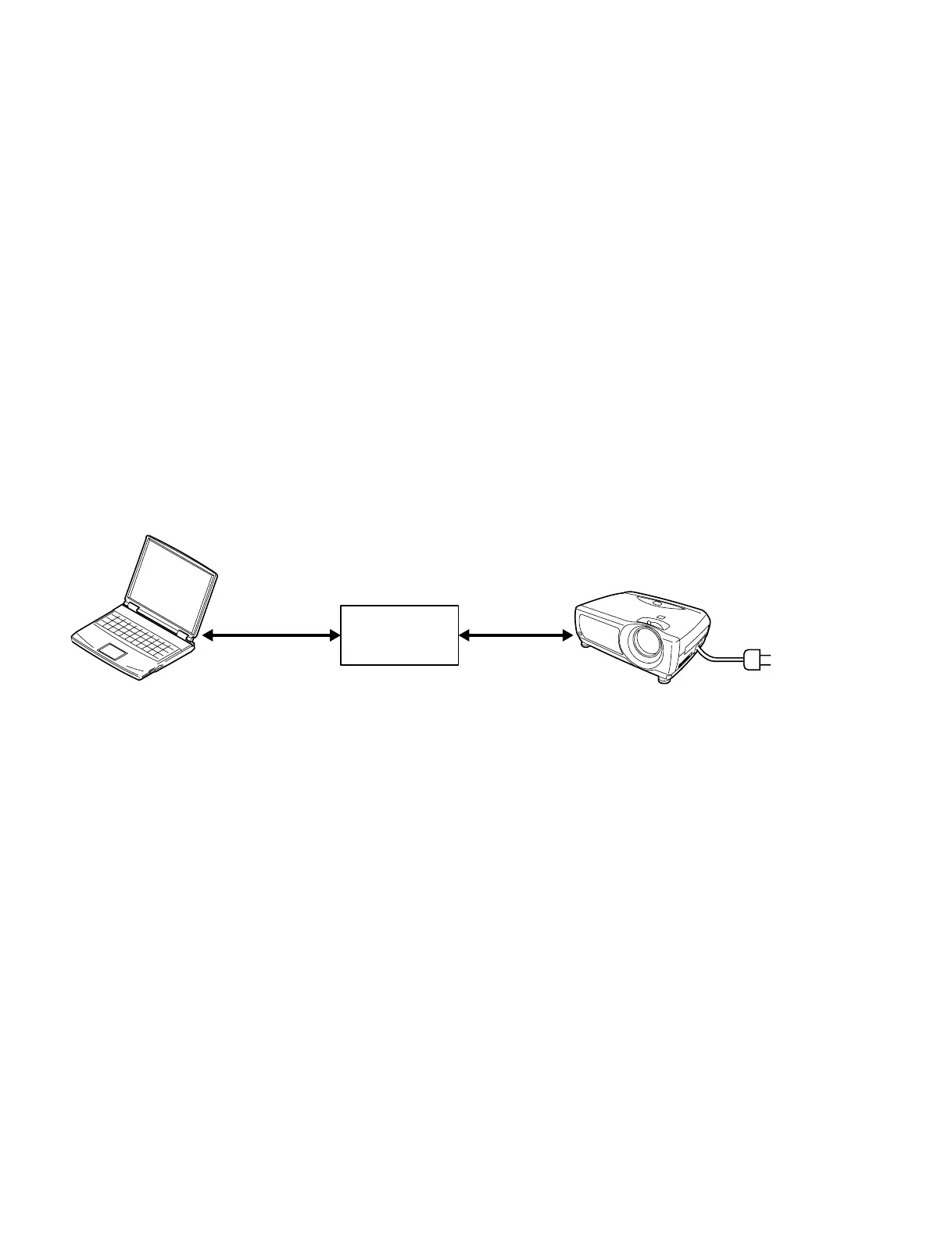
1 Connect the personal computer to CN1 on T3V board
with RS232C cable (straight) as shown below.
2 Connect between CN2 on the T3V board and CN812
on the BB board with the harness 6P.
3 Switch the S901 on the BB board to the IC810 side.
4 Supply the AC power to the set.
5 Main soft writing
Use the Hitachi F-ZTAT upgrade for SONY Ver 1.00.
6 PIXEL WORKS SOFT WRITING
Use the PIXEL WORKS FLASH upgrade for SONY.
1) Start the writing soft.
2) Select the FILE name.
3) Change NORMAL to PW UPDATE.
4) Supply the AC power to the set. (soft writing start)
5) After writing, turn off the power.
6PIN harness
9PIN 9PIN
AC cord
BB board
CN812
T3V
CN1 CN2
PC VPL-PX15/10/PS10
RS232C cable
(Straight)



 To Next Page