3-10
VPL-PS10/PX10/PX15
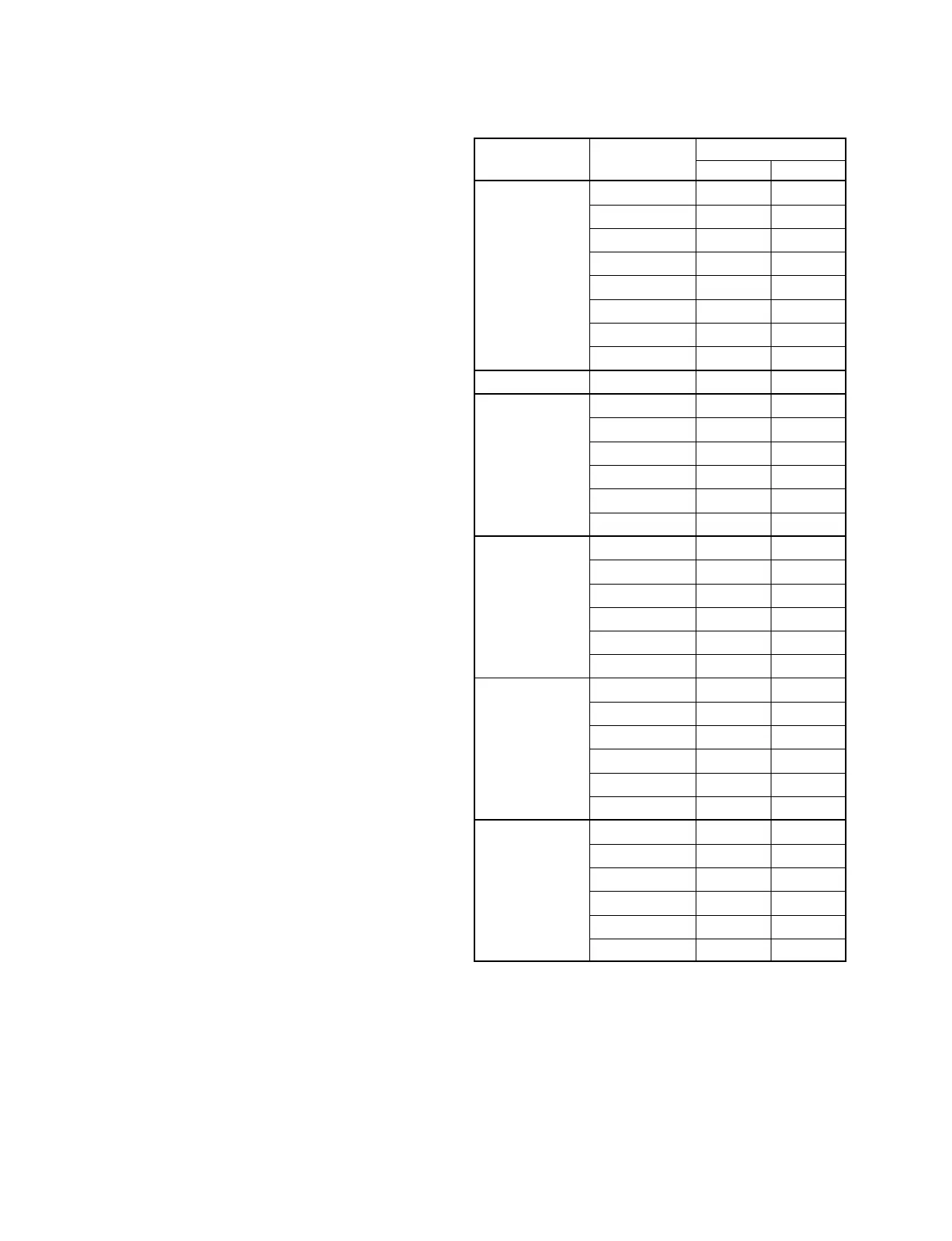
Board Name
Device Name Item Name BB C
P.DRV VCOM (R) * O
VCOM (G) * O
VCOM (B) * O
CONT * 95,100 IRE
SUB CONT R * 95,100 IRE
SUB CONT G * 95,100 IRE
SUB CONT B * 95,100 IRE
BRT * 2.8 V
W/B ADJUST
INPUT A-HIGH GAIN R * No
GAIN G * No
GAIN B * No
BIAS R * No
BIAS G * No
BIAS B * No
INPUT A-LOW GAIN R * O
GAIN G * O
GAIN B * O
BIAS R * O
BIAS G * O
BIAS B * O
VIDEO-HIGH GAIN R * No
GAIN G * No
GAIN B * No
BIAS R * No
BIAS G * No
BIAS B * No
VIDEO-LOW GAIN R * O
GAIN G * O
GAIN B * O
BIAS R * O
BIAS G * O
BIAS B * O
* : When down the data befor replacement, and then
write in the data after the board replacement.
O : Need adjustment
Value: See description.
3-4. Service Kowhow
3-4-1. After Replacing the Prism Block
1. Perform Section “3-2. V-COM Adjustment.”
2. Perform Section “3-5. White Balance Adjustment on
Servicing.”
3-4-2. After Replacing the Board
..
..
. Refer to the cross table below.
..
..
. There are no need to perform the adjustment when the
board other than the BB board or C board had been
replaced.
3-4-2-1. When Replacing the BB Board
When the data before replacement can be read properly
1. Make a not of the data before replacement. After re-
placement, write the data into the new board with
service mode.
2. If the white balance is extremely deteriorated, perform
the white balance adjustment (Refer to Section 3-5.).
When the data before replacement cannot be read
1. Perform Section “3-2. V-COM Adjustment.”
2. Perform Section “3-5. White Balance Adjustment on
Servicing.”
3-4-2-2. When Replacing the C Board
1. Perform Section “3-2. V-COM Adjustment.”
2. Perform Section “3-5. White Balance Adjustment on
Servicing.”
3-4-2-3. When Replacing the Other Board
There are no need to perform the adjustment.
Cross Table of Board Replacement



 To Next Page