Using the Last Number Redial8
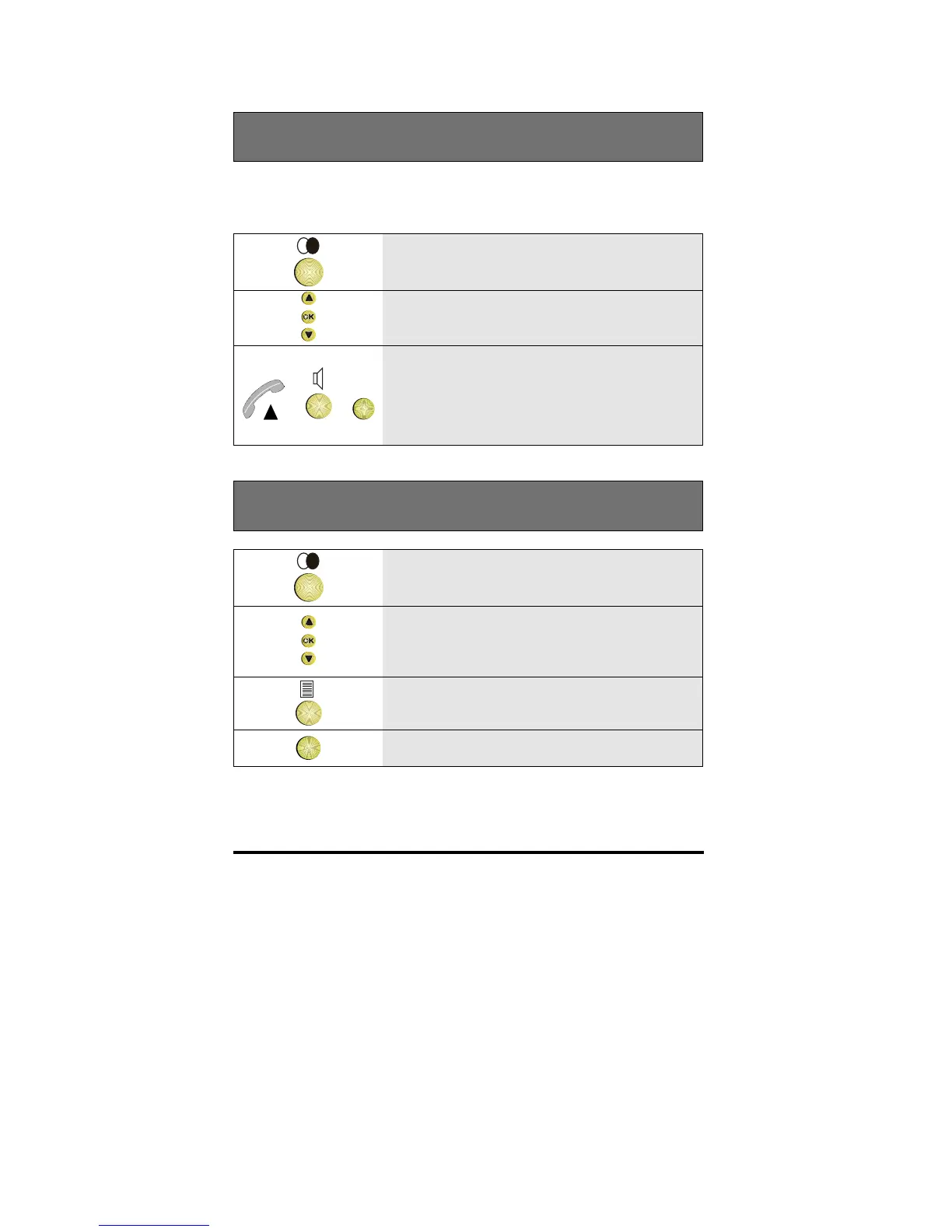
Calling someone from the Redial list
Every time you make a call the number you call is stored in the Redial list.
This list can contain 5 numbers
1 Press the Redial key
2 Scroll to find the number/name you want
to call
or or
OK
3 Either lift the handset, press the
Loudspeaker key, or press OK
Note: Any currently connected party is
put on Hold automatically
Removing a number from the Redial list
1 Press the Redial key
2 Scroll to the number you want to remove
3 Press the Options key
OK
4 Press OK to remove the entry



 To Next Page