Using the Special Mode 49
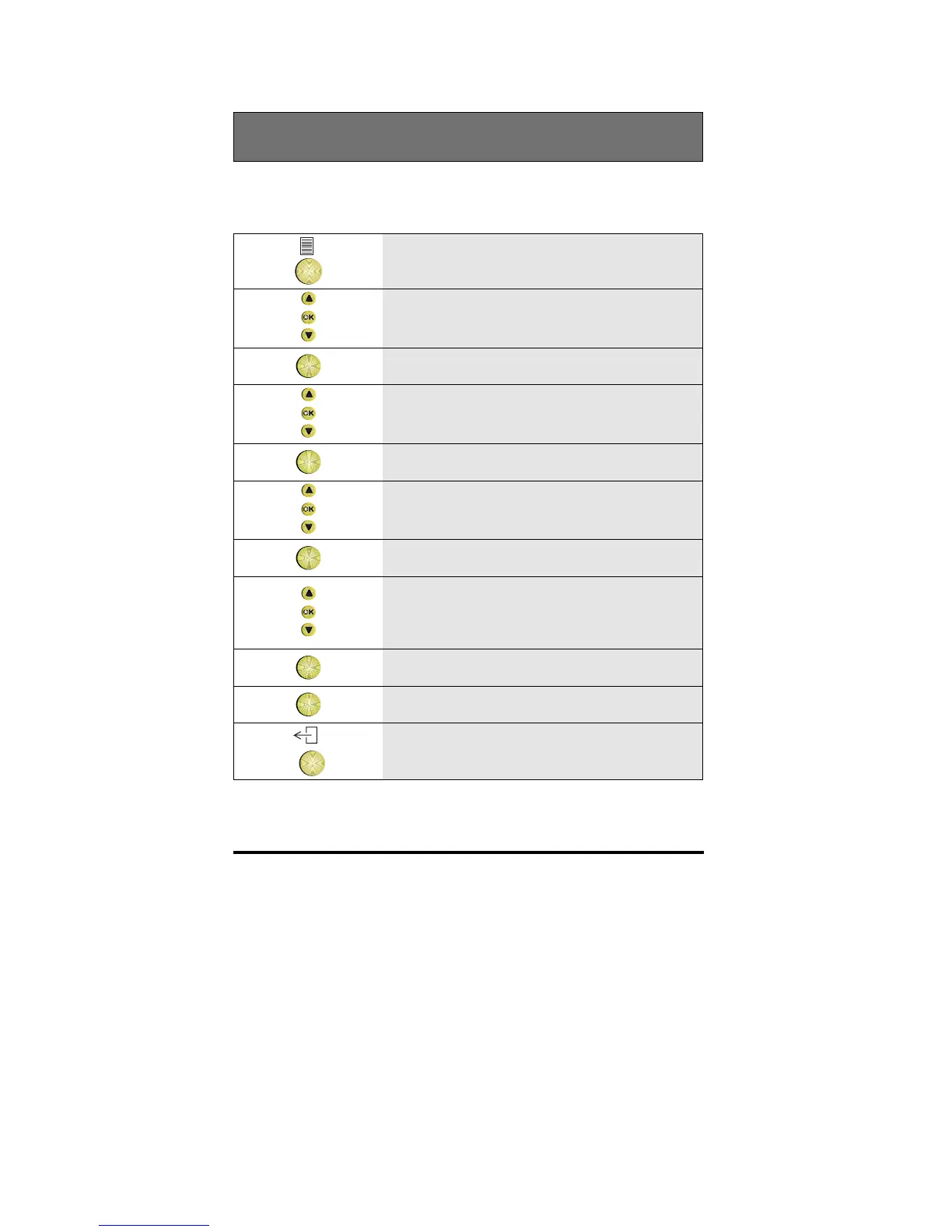
Clearing all personal information (keys, directory)
The telephone must be in Special mode to do this. See the section Entering
the special mode.
1 In Special mode, from the idle menu,
press the Options key
2 Scroll to the Features option
OK
3 Press OK
4 Scroll to the Set phone option
OK
5 Press OK
6 Scroll to the Service issues option
OK
7 Press OK
8 Scroll to the Clear all keys option, the
Clear directory option or the Reset toggle
list option
OK
9 Press OK
OK
10 Press OK again to confirm the change
11 To return to idle, press the Exit key



 To Next Page