Setting Up and Using Memory Keys 57
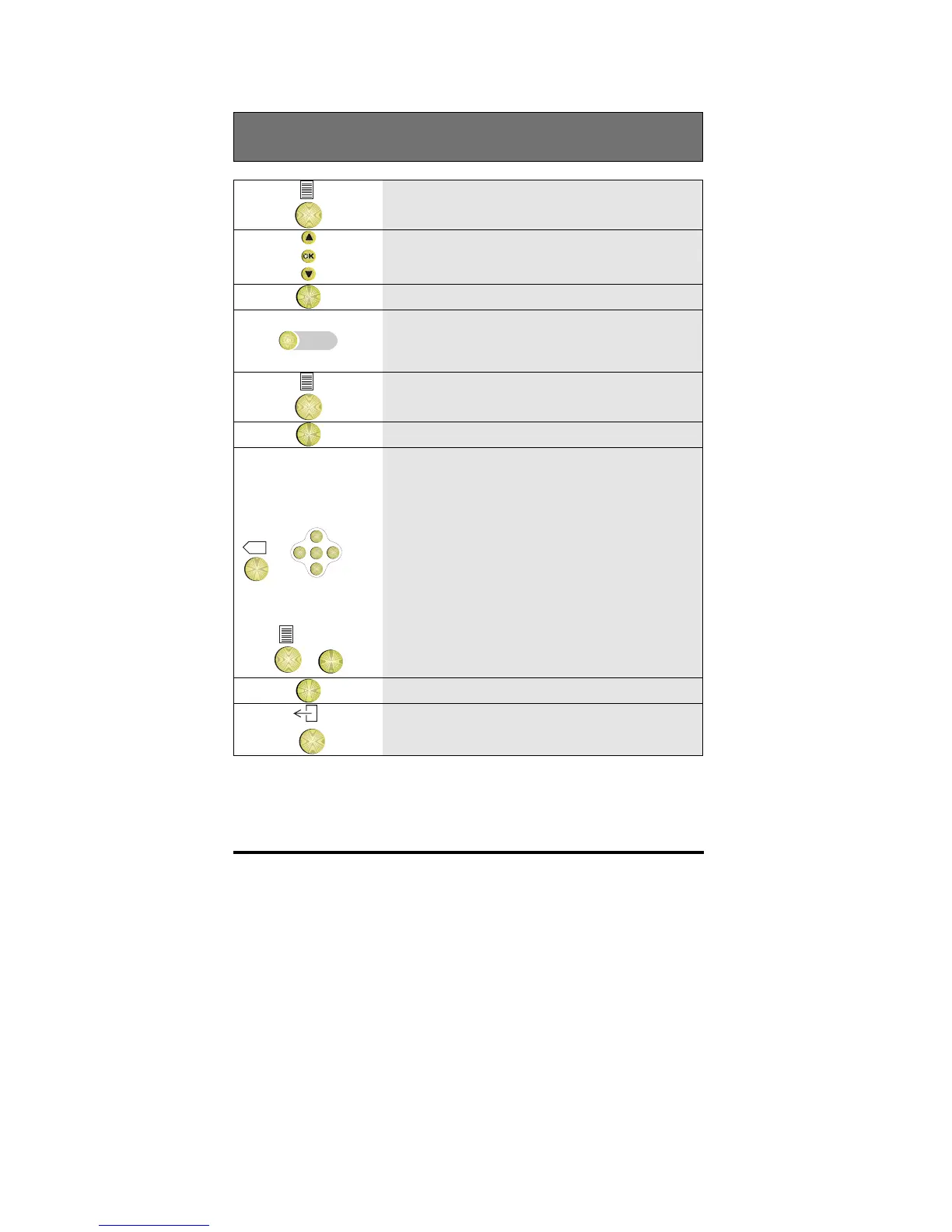
Editing the contents of a memory key
1 Press the Options key
2 Scroll to the Keys option
OK
3 Press OK
4 Press the empty memory key you want to
program
5 Press the Options key
OK
6 Press OK
X
+
OK
<
<
<
<
+
OK
7
Edit the function by selecting a new
function/ groupfacility (an explanation
can be found in the Glossary) or
Edit the number by using the Backspace
key and the horizontal cursor keys [D330
only] or
Erase the whole number by pressing the
Options key and OK and enter a new
number
OK
8 Press OK
9 To return to idle, press the Exit key
Note: If you are unable to edit a key, speak to your system administrator as
the key may have been set for the telephone system.



 To Next Page